XIAOYI
IC99 Kraftman/JDY charger
The IC99 Kraftman charger is unique for several reasons. First, in features it's ahead of every inexpensive universal charger I know. Second, you won't find it in ordinary shops. It's an enthusiast design produced in small batches in China, and that's where it's sold.
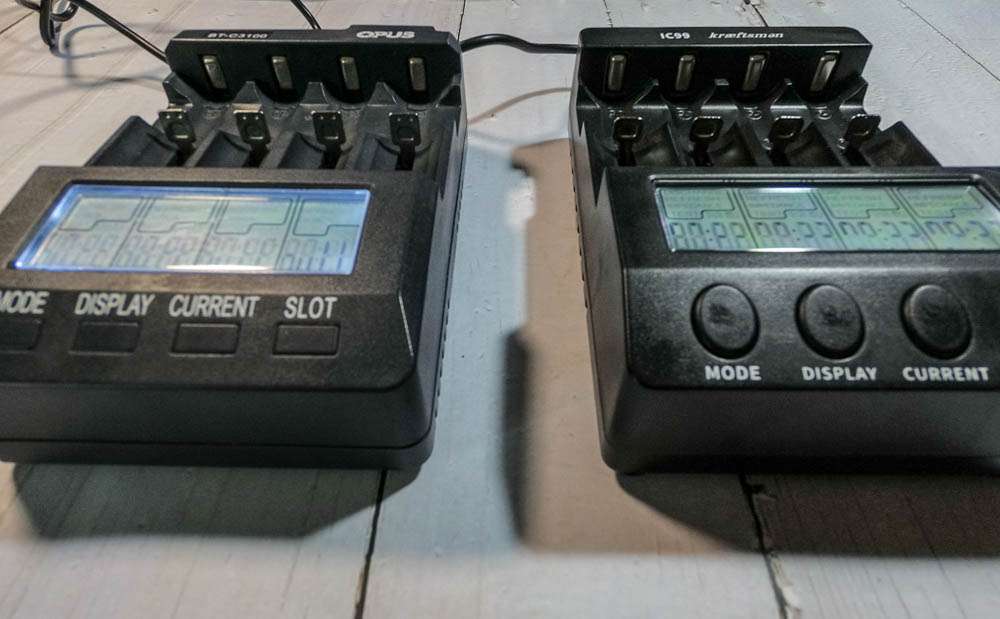
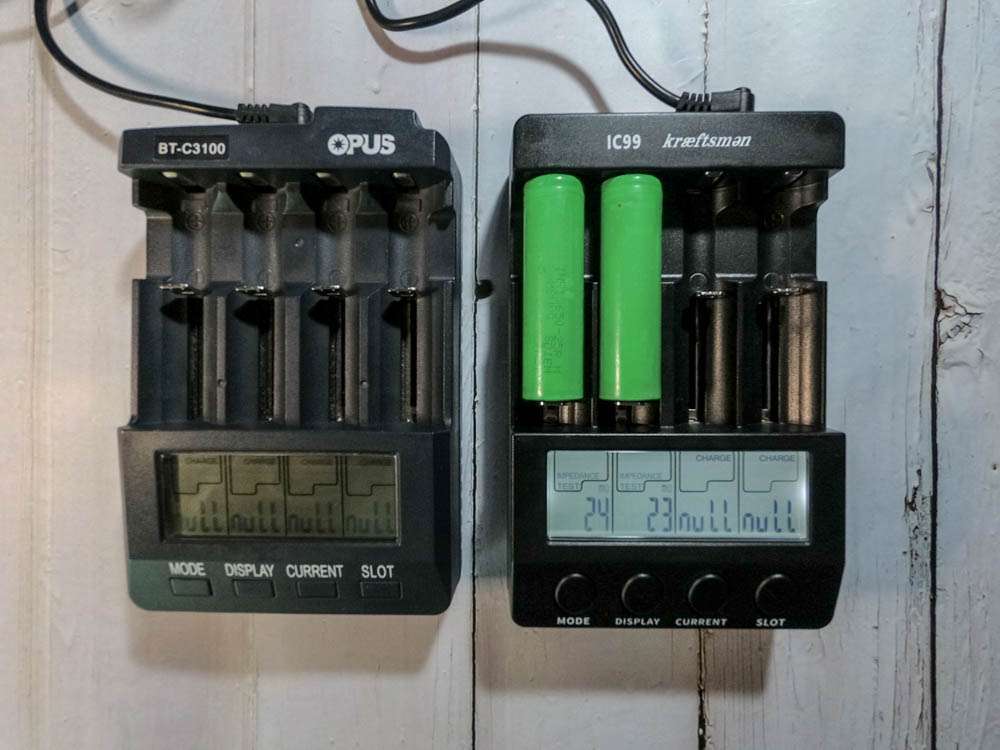
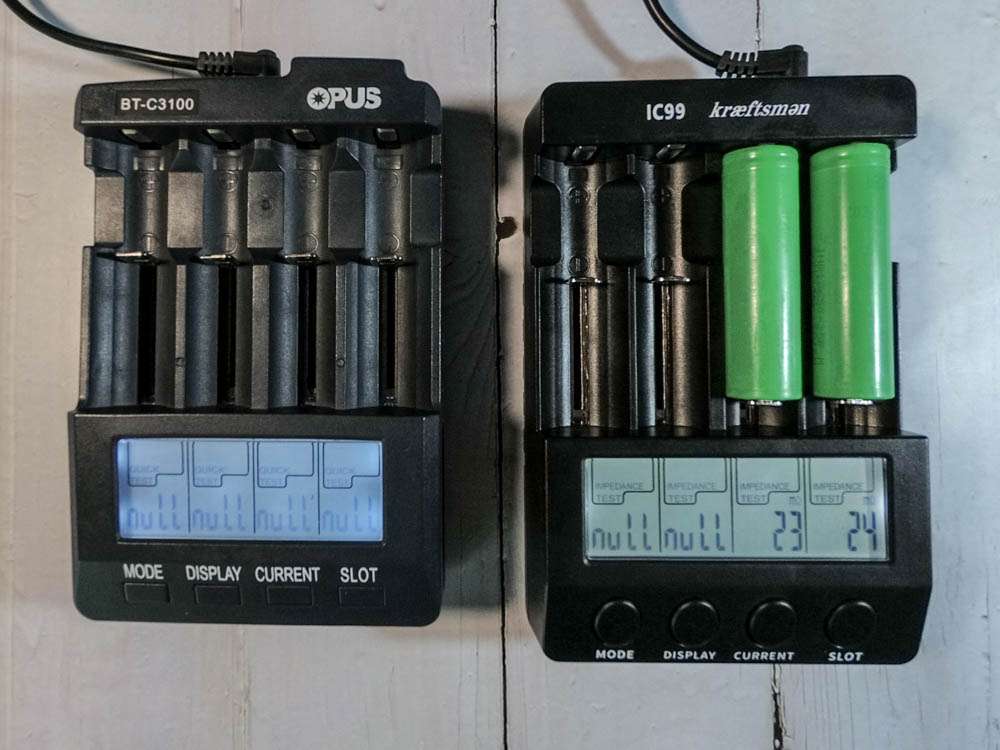
Some people (practically everyone) call this device a clone of the Opus BT-C3100, quite wrongly. You can call them clones only in the sense that all people are clones of each other. We all have four limbs, a heart, a head and a mouth. Does that make us clones?
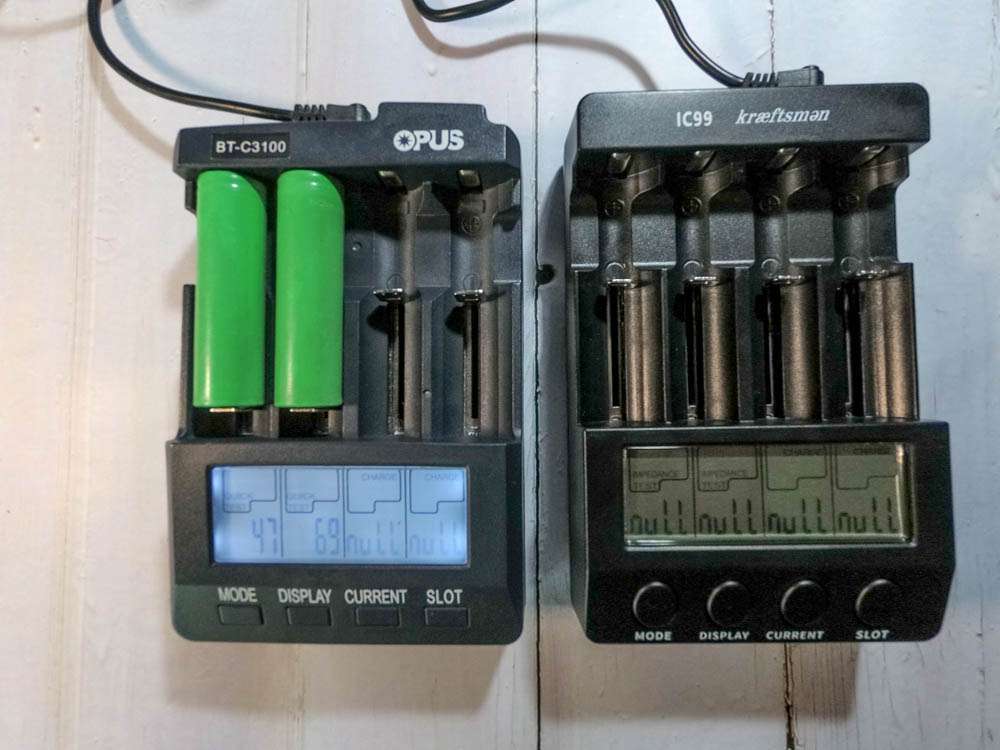
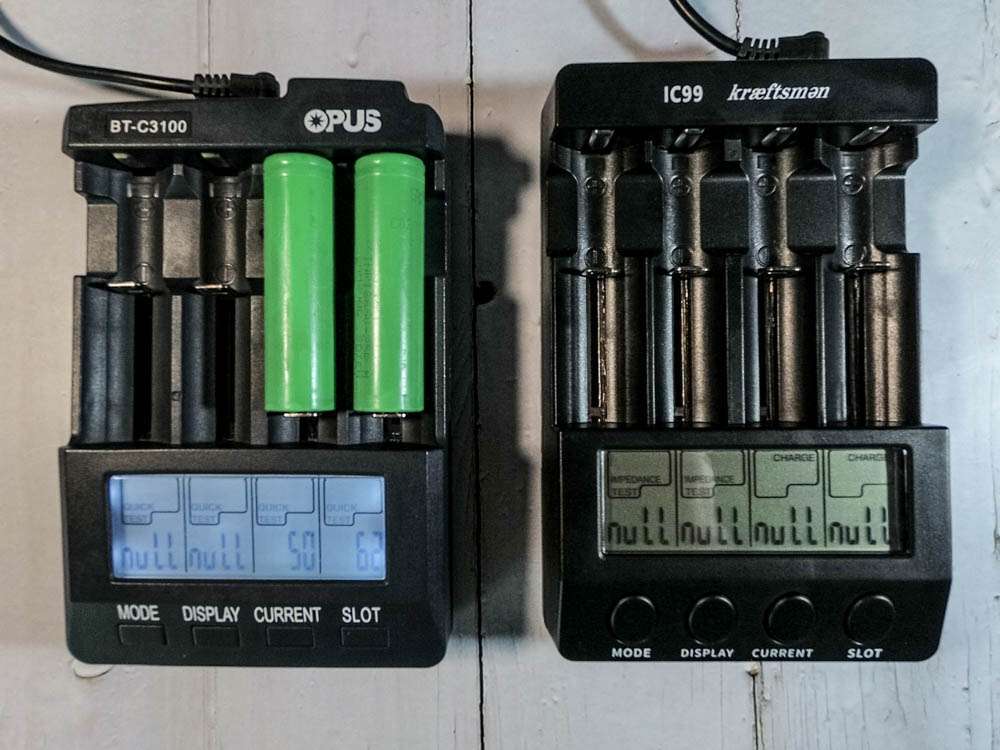
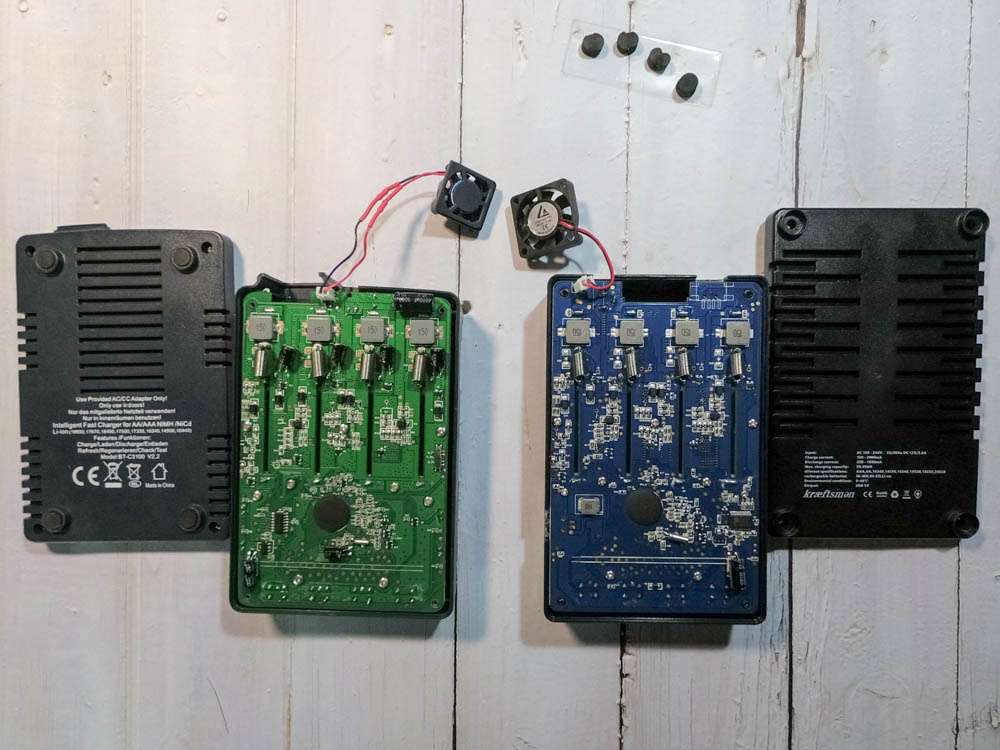
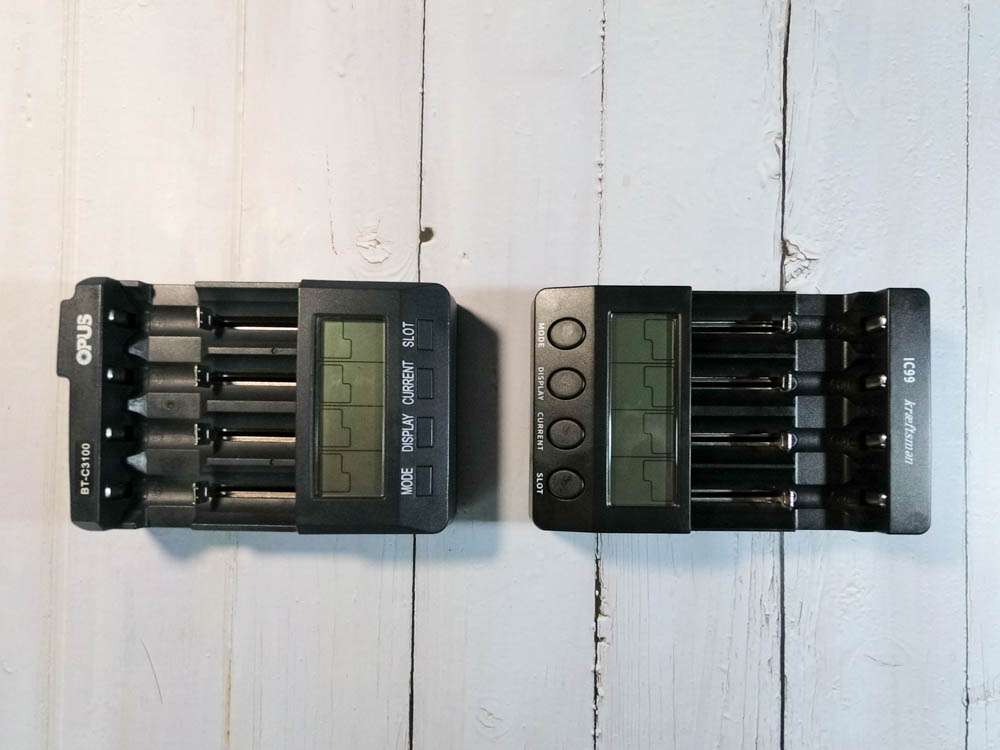
True, the designer was originally inspired by the Opus charger. The devices share a similar screen shape, four buttons with the same functions, identical power supplies and a fan. At the hardware level, the supporting components and the display controller are shared. The fifth version of the IC99 is now on sale, and it has more differences than similarities: a different case, processor and software, a USB output that allows data exchange with a computer, and a precise crystal, the same kind used in chronometer watches.
Specifications:
Operating modes:
All in all it's clear; before testing, let's compare the IC99 and the Opus in more detail.
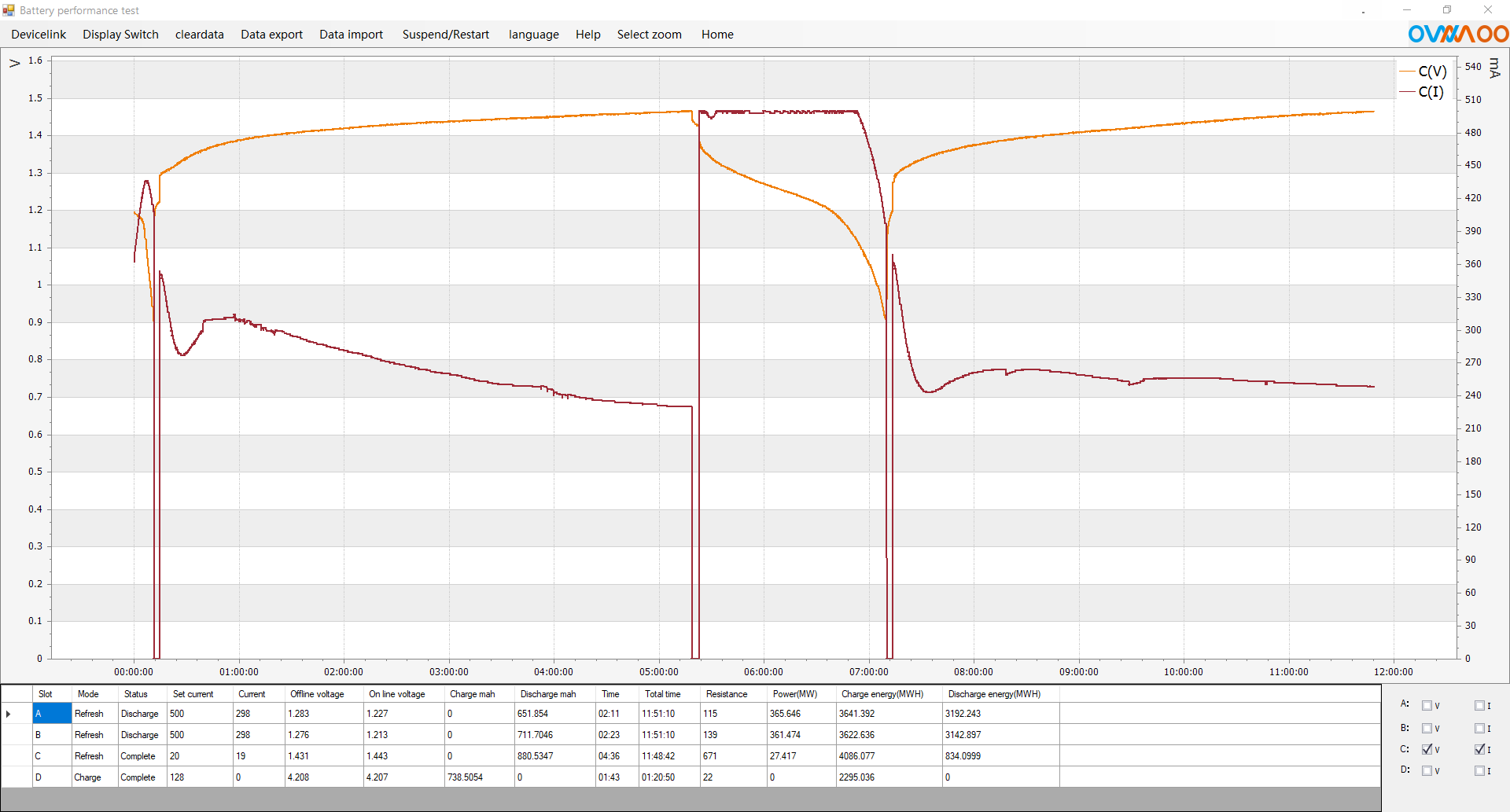
One of the main features of the IC99 Kraftman charger is that it can connect to a computer and send data about the battery's state. For that, the device has a built-in Prolific PL-2303HX module, with a USB connector at the output. To connect the device to a computer you need Microsoft .NET Framework 4, the Prolific driver and the CellTest software installed. I received the software and drivers from the seller in an email. The software and drivers for the IC99 can be downloaded as one file here.
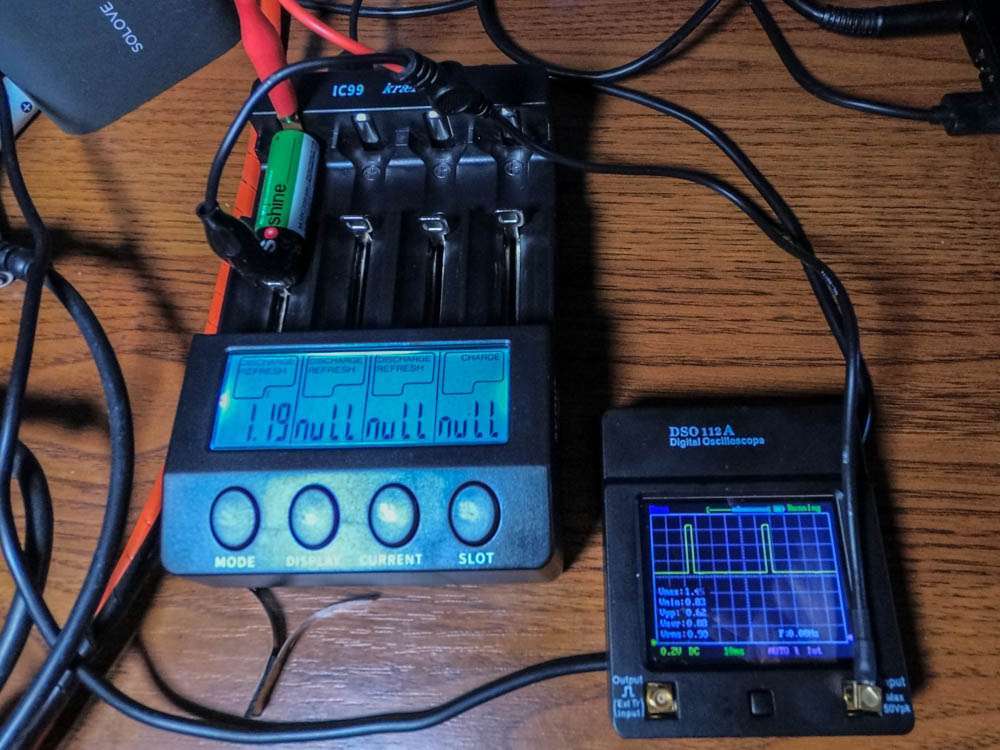
The software's functionality is quite enough to understand what's going on. The first thing I checked was the accuracy of the software's readings. The match with a True RMS multimeter is practically perfect, with a difference of only two thousandths of a volt and up to ten milliamps, within the margin of error.
What especially pleased me was that during operation the device, every 5 milliseconds or so, cuts the charge (or discharge, depending on the mode) and checks the cell voltage, and the parameter table has two values, Online voltage and Offline voltage. They show, respectively, the voltage under load and the voltage with no load. It's a pity you can't plot a graph for the first parameter; it would be interesting to monitor the voltage sag as a function of current and the battery's state of charge, for example.
In the week the device has been with me, the software has worked without glitches or crashes (Windows 10). I recommend it.
Comparing the IC99 and the Opus
The processor and firmware, which directly govern the algorithms of the modes, are completely different. The 18-bit ADC and a 32768 Hz quartz resonator (the same as in electronic watches) improve measurement accuracy, and the IC99 claims a maximum error of up to 1%. What changed in the IC99:
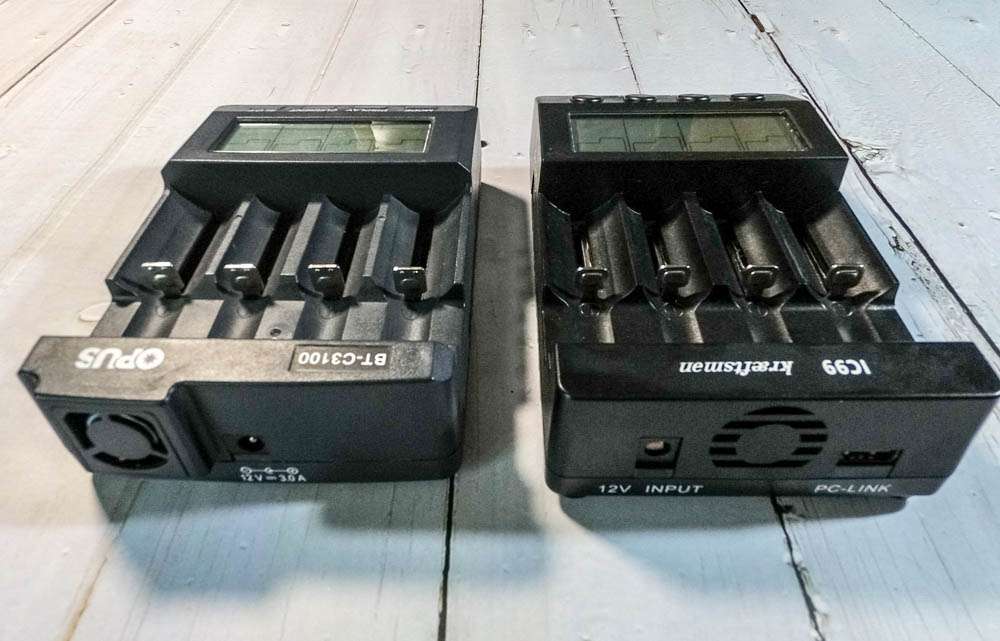
The IC99 also uses a 30*30*7 mm fan, while the Opus fan was 25*25*7. You'd think what's the difference, but there is one. Only a couple of factories make the 2507 fan for the Opus, and they chase performance at the expense of silence. Technically, these are all high-speed (about 11000 rpm) fans on sleeve bearings. The IC99's 3007 fan is another matter. In this size AliExpress offers around 200 variants with different numbers of blades, on hydraulic, ball and magnetic levitation bearings, from 3500 to 9000 rpm. Don't like the fan noise? Buy a silent one, install it and forget about it. Always charge at maximum currents? Buy the highest-performance one and stop thinking about overheating. Personally, the stock one is enough for me: a decent middling fan, clearly audible at top speed, but the noise doesn't bother me.
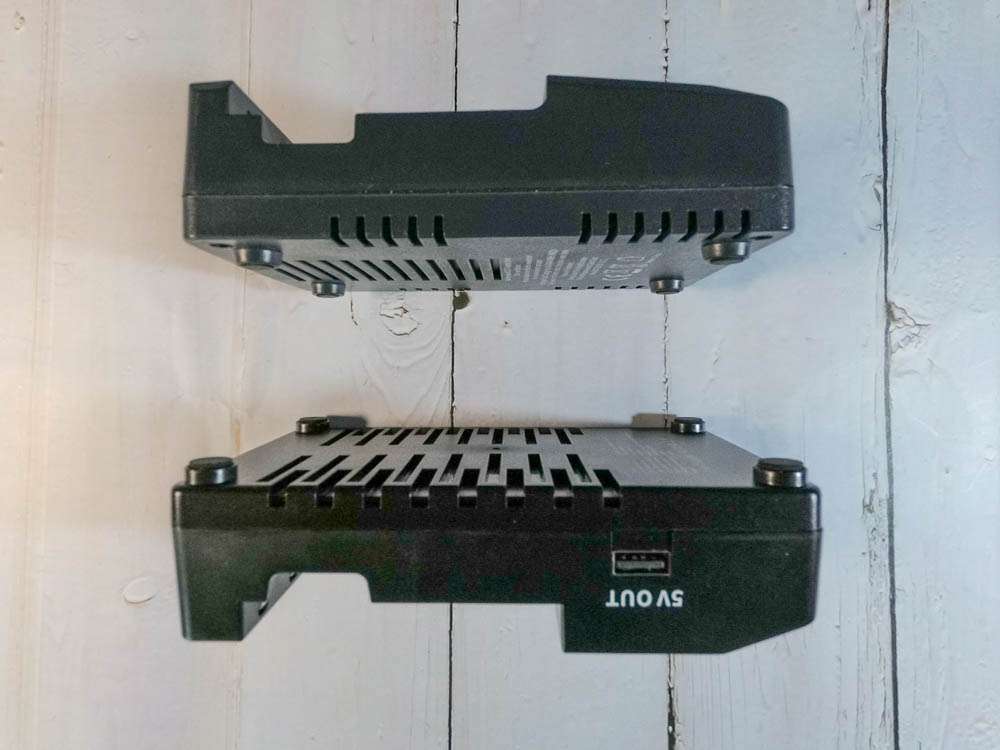
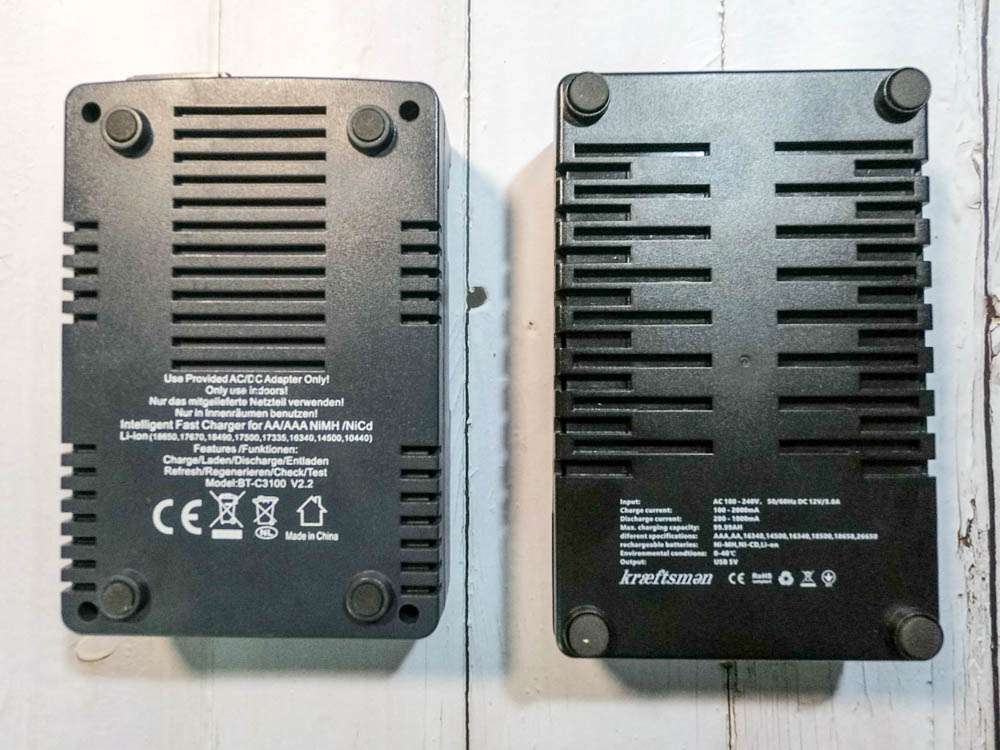
Despite the family resemblance, the two devices have different cases, and it's not only about the shape of the buttons. The IC99 is bigger, taller and more massive. The fan in the center provides better cooling.
Now I'm getting down to testing, and you can subscribe to updates so you don't miss the graphs and measurements.
Прокомментируйте: