Comparing Samsung, Lexar, Alfawise, Kodak, Orico: which card is best for a 4K camera?
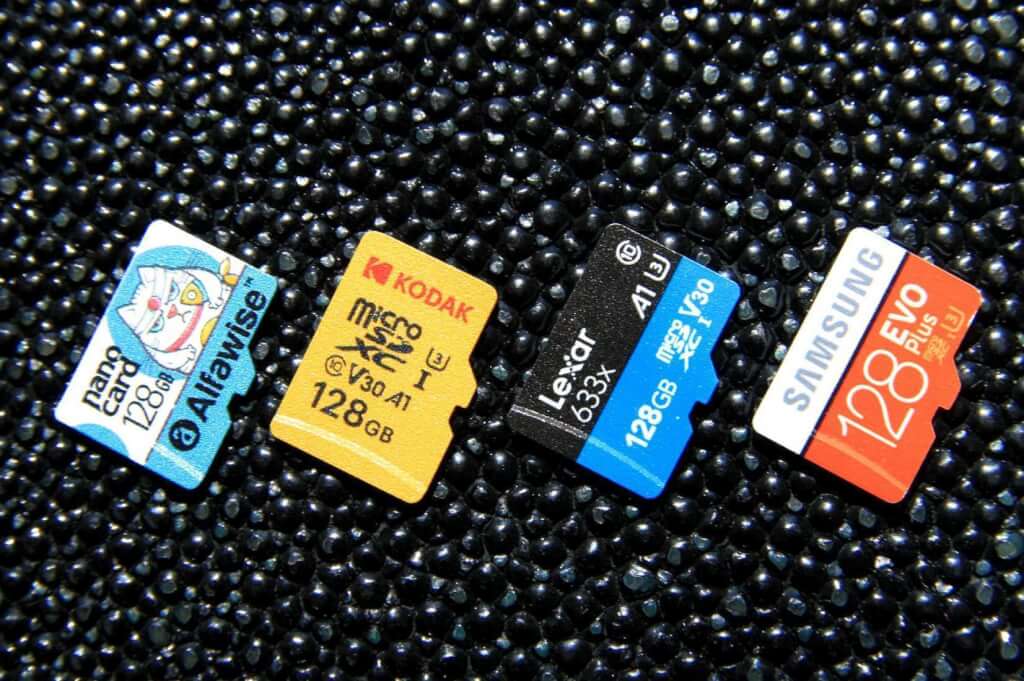
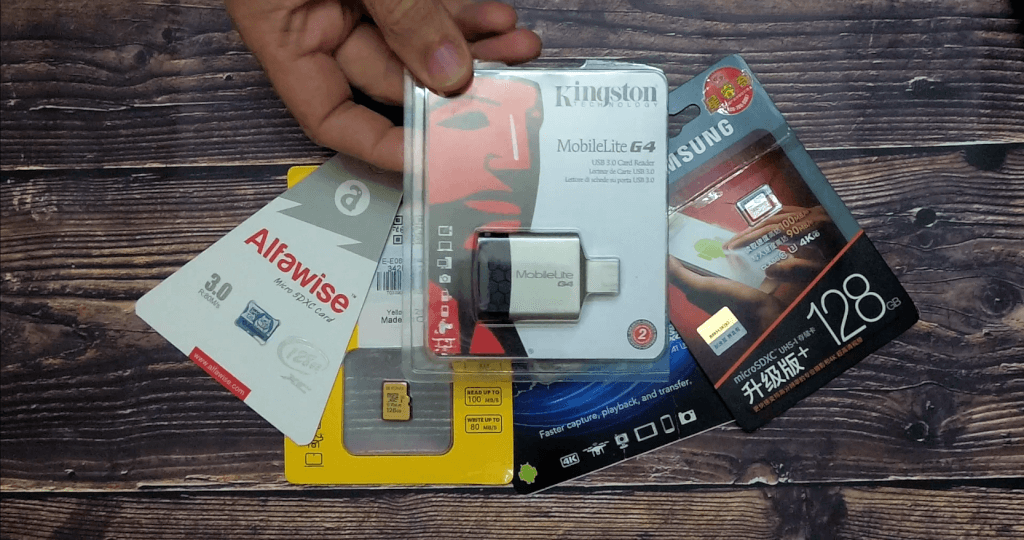
Which memory card should you choose for a 4K camera: Samsung, Lexar, Alfawise, Orico or Kodak? I approach choosing gadgets in a demanding and thorough way: I buy several, test them and decide based on the results. This time I decided to test memory cards costing about 20 dollars, especially since I happen to have three action cameras on hand, EKEN, Hawkeye and Xiaomi, so I have somewhere to use all these cards. To unlock the cards' full potential, I used a high-speed Kingston MobileLite G4 card reader.
The card reader was connected to a USB 3.0 port, and testing was done with h2testw and CrystalDiskMark. The first program sequentially writes 1GB files to the card until the space runs out, then reads them back, verifying at the same time. That's how the card's real capacity and its speed in a mode close to real in-camera use (continuous video recording) are determined. I'll use h2testw for the ranking. The second program was originally designed for testing hard drives, so it checks write speed for both large files and 512 and 4 KB blocks. A video camera has no such modes, but this information matters for the full picture.
Of course, I'm sharing the test results with you. Enjoy reading!
Testing the Samsung Evo Plus 128GB memory card
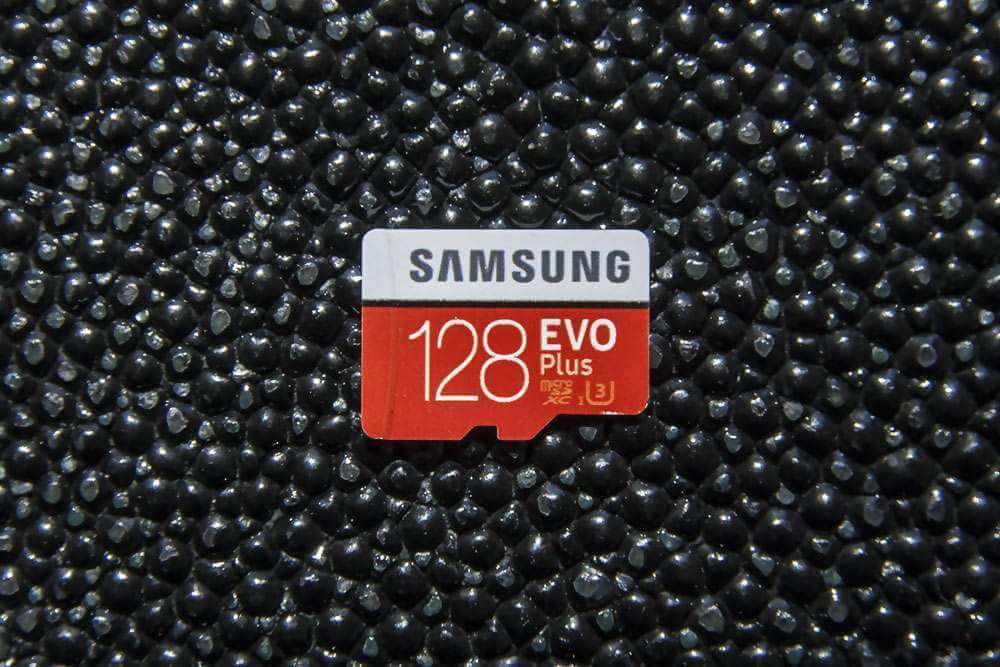
Frankly, I didn't expect to be sent a genuine Samsung card for 20 dollars, and I was pleasantly surprised. But I was much more surprised by the test results: in speed the card beats not only the v30 class but v60 with a wide margin: write speed was over 80 MB/s. That's almost UHS-II!
I bought it here.
Keep in mind: the card reader sold in a bundle with the card works fine in everyday use (copying three to five minutes of video), but when testing with a large volume of data it gets very hot and glitches (it hangs on writing at about 30% of the card's capacity). That's why I had to buy the Kingston reader.
Also worth noting: as a bonus with the card, the seller sends a full-size SD adapter that supports high speed. With that adapter I use one of the 128GB cards in a Panasonic still camera that, according to the manufacturer, supports cards up to 32GB. It works great and the full capacity is available.


Testing the Lexar High-Performance 128GB memory card
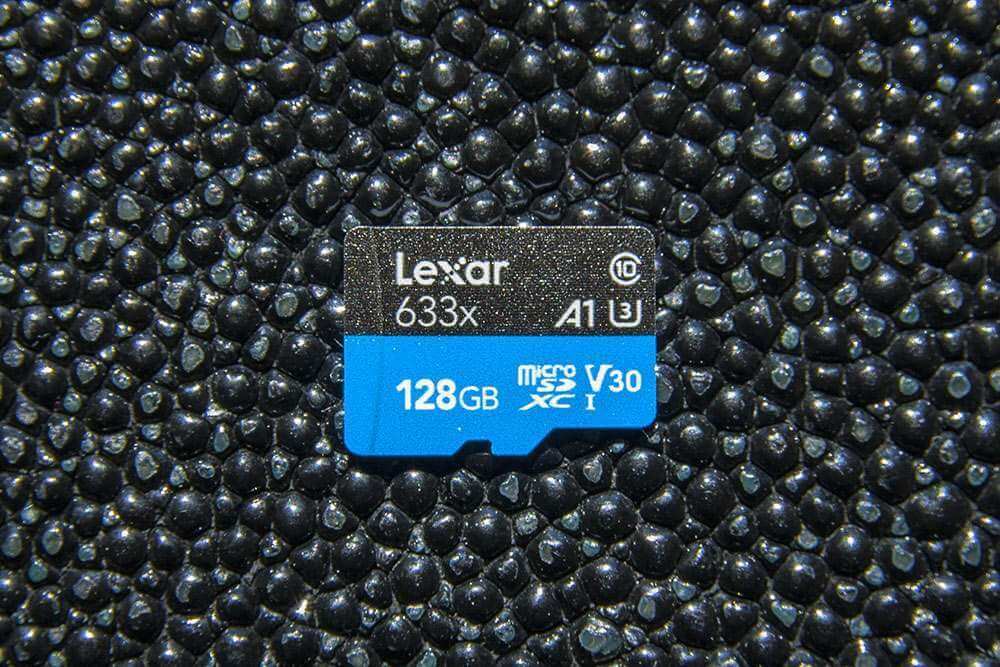
Lexar is not some obscure Chinese brand but a former division of Micron Technologies, now owned by Shenzhen Longsys Electronics, which also makes storage devices under the Crucial and Ballistix brands. A Crucial SSD has been working in my laptop for five years now, so I bought this memory card without hesitation.
The test results didn't disappoint me. Write speed is over 47 MB/s, an excellent result that's plenty for recording 4k@60fps video. It's the only card that comes with a standard-size SD adapter in the kit, so you can buy the card not only for action cameras but also for DSLRs and mirrorless cameras.
I bought it here.


Testing the Alfawise 128GB UHS - 3 XC memory card
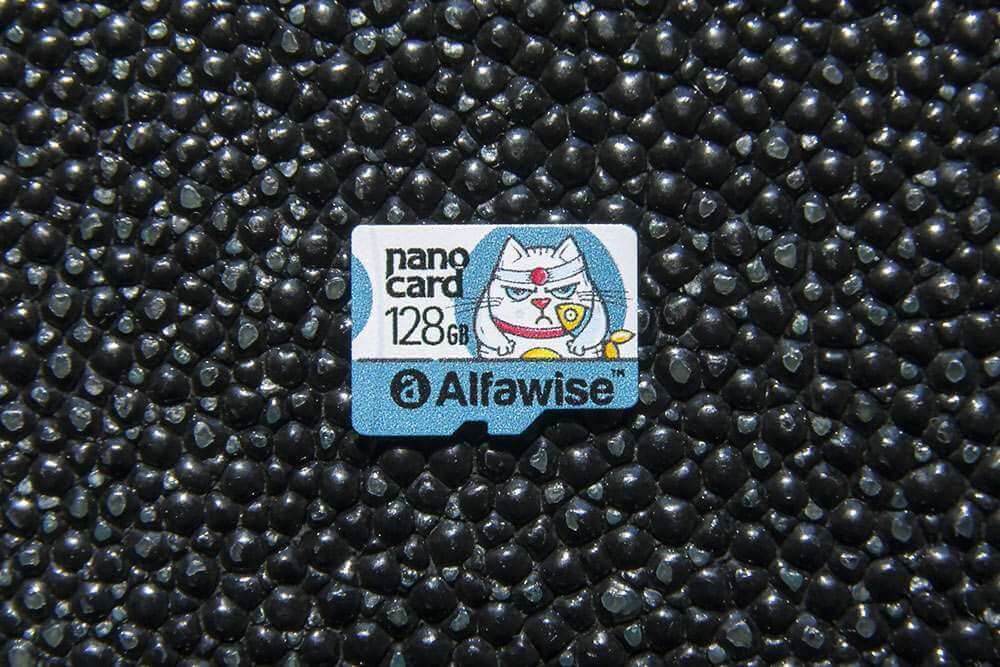
Alfawise is a young company that positions itself as a competitor to Xiaomi and works on a similar principle: they place orders for a well-established product to sell it under their own brand. The company is a Gearbest partner, and that's where I bought the card, for $19.99.
I suspect the card's maker is the same Shenzhen Longsys Electronics as in the previous case. The specifications are just too similar.
Write speed over 47 MB/s, read 83 MB/s.
Where to buy: at Gearbest.


Testing the Kodak 128GB memory card
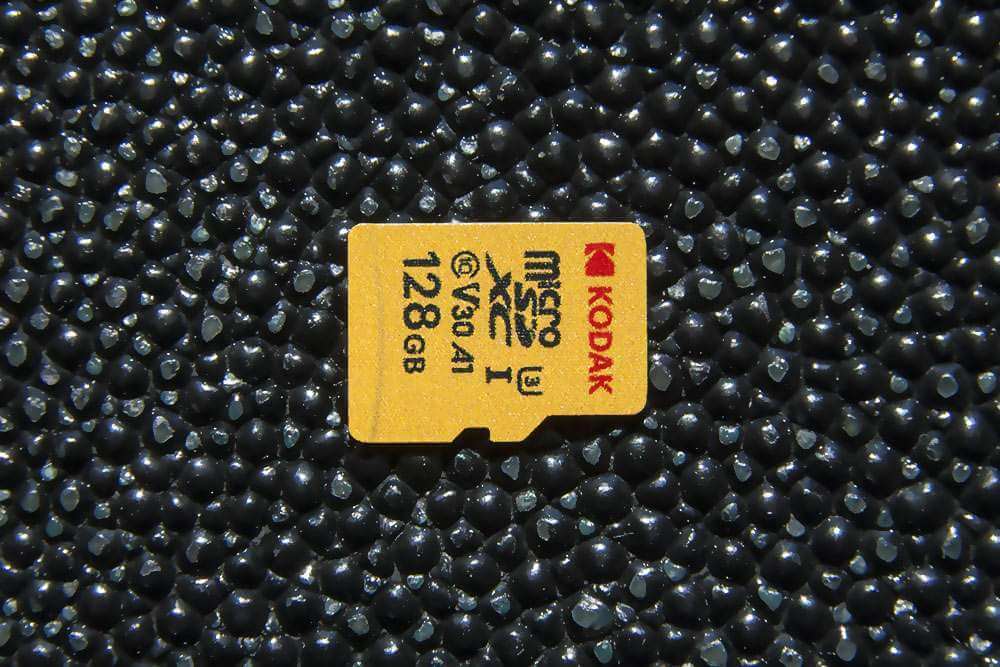
Cards under the Kodak brand are also made by Shenzhen Longsys Electronics. But here I was unpleasantly surprised. Despite the impressive figures of 80 MB/s write and 100 MB/s read printed on the packaging, in reality the card showed a far more modest result.
Write speed just over 36 MB/s, read 85 MB/s.
I was so baffled by the result that I went to read reviews on the site. Oddly enough, the reviews include both numbers similar to mine and screenshots showing a write speed of 85 MB/s, which matches what the manufacturer states. I can't understand the reason. I tried formatting the card with different block sizes and tried optimizing the card in the camera. The speed fluctuates between 27 and 37 megabytes per second but doesn't even get close to 85.
Still, the card fully meets the stated UHS-1, U3, v30 and A1 classes, so if you're a Kodak fan you can safely buy it too.
Where to buy: at Gearbest.


Testing the Orico MSQ1 128GB memory card
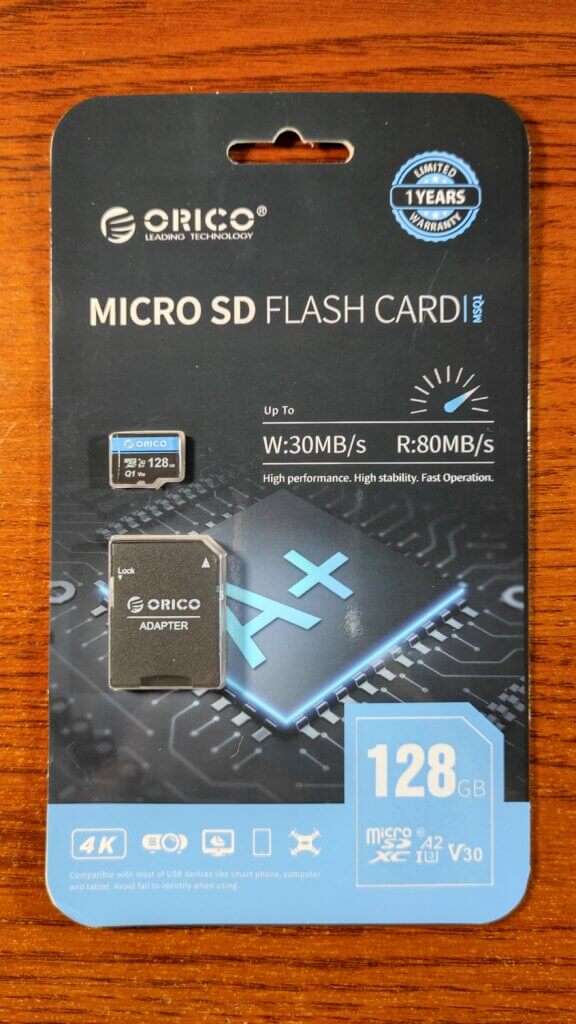
All the cards mentioned above have been in use for over a year with no complaints. But I needed one more, and I bought a MicroSD under the Orico brand. Why Orico? I simply like this company's products: they always stand out for build quality, honest specifications and pleasant design, plus there was a sale at the ORICO SSD Store. Delivery took less than two weeks, and the memory card meets the standards: UHS-1, U3, v30 and A1 (it falls short of A2). The speed practically matches the Kodak tested earlier: write 35 MB/s, read 85 MB/s.
On sale the card cost me 13 dollars, and for that money it's a decent option. But without the discount the card costs 18 dollars, and that's too high a price for such modest speed.


Results
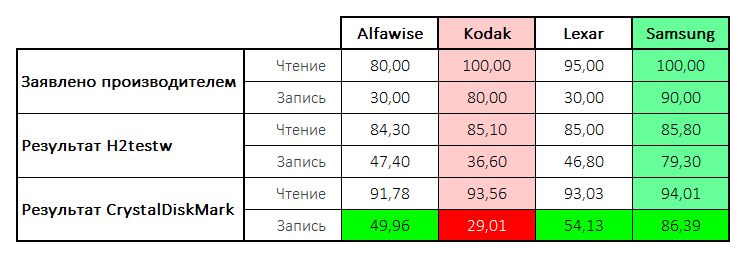
All the tested cards meet the classes stated by the manufacturers and will work well in modern cameras in standard modes. However, I installed a mod on my YI 4K+ camera that raises the bitrate to 250 megabits per second, and the Kodak card "chokes" on some scenes. The other three cards have no problems. If you want a card with headroom or plan to install bitrate-boosting mods, don't buy the Kodak memory card.
Readers (thank you, dear ones) pointed out one more nuance. Some cameras, for example the SJ8 Pro, heat up so much when recording in "heavy" modes with external power that Samsung cards can't take the temperature and automatically reduce their speed. If you own a "stove camera", it's worth sacrificing some speed headroom and getting a "cooler" card.
And finally, the video version of this test. Watch, subscribe, comment. Good luck!