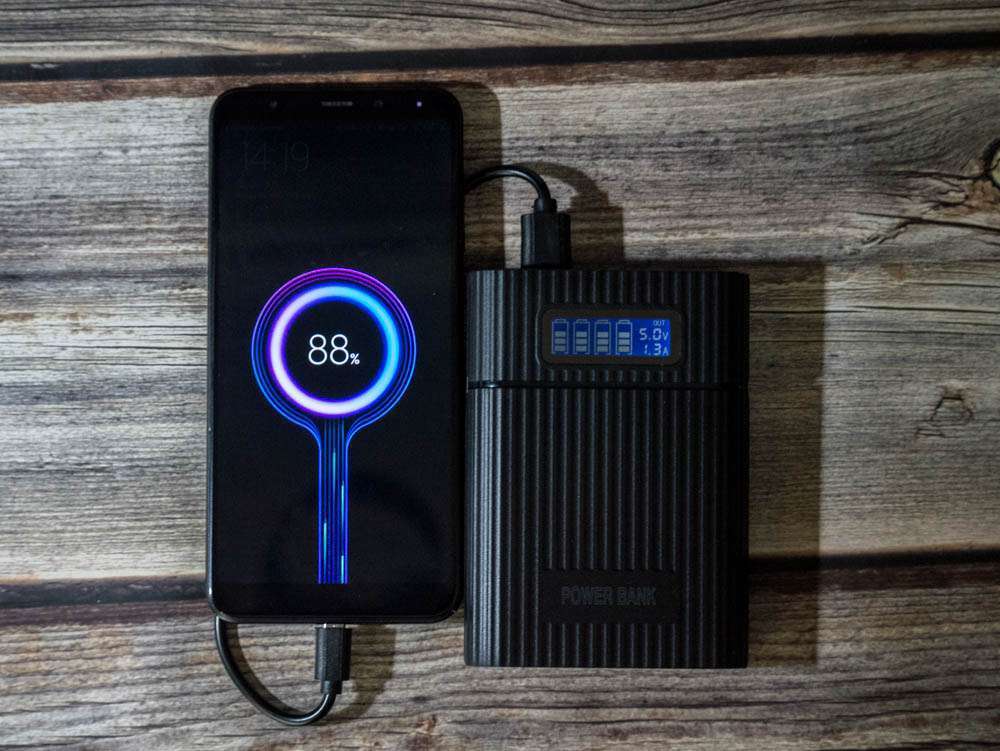
I often use devices powered by 18650 batteries and visit places with no electricity. Sometimes it happened that the power bank was still full, because I'd charged my phone in the car, while all the batteries were dead. And sometimes it was the other way around: the phone died, the power bank was empty, yet I still had two boxes of 18650 cells. When I came across a power bank box that lets you freely insert and remove 18650 batteries without opening the case, I started thinking about buying one. And when I read that this box is also a four-channel charger, I ordered it right away. The box is called "Anti-Reverse DIY Power Bank Box 4x 18650 Battery LCD Display Charger" (what a name), model M09, and costs a little over $6.
Specifications:
The case is made of very tough ABS plastic that feels rough to the touch. It leaves an impression of being somewhat crude (or brutal, if you like), but it's very reliable. During testing I took the device completely apart and then reassembled it, and not a single latch broke and the case didn't pick up even a mark. The lid comes off with effort, which is a bit hard going for a charger but perfect for a power bank. If you plan mostly to charge batteries, you don't have to close the lid every time.
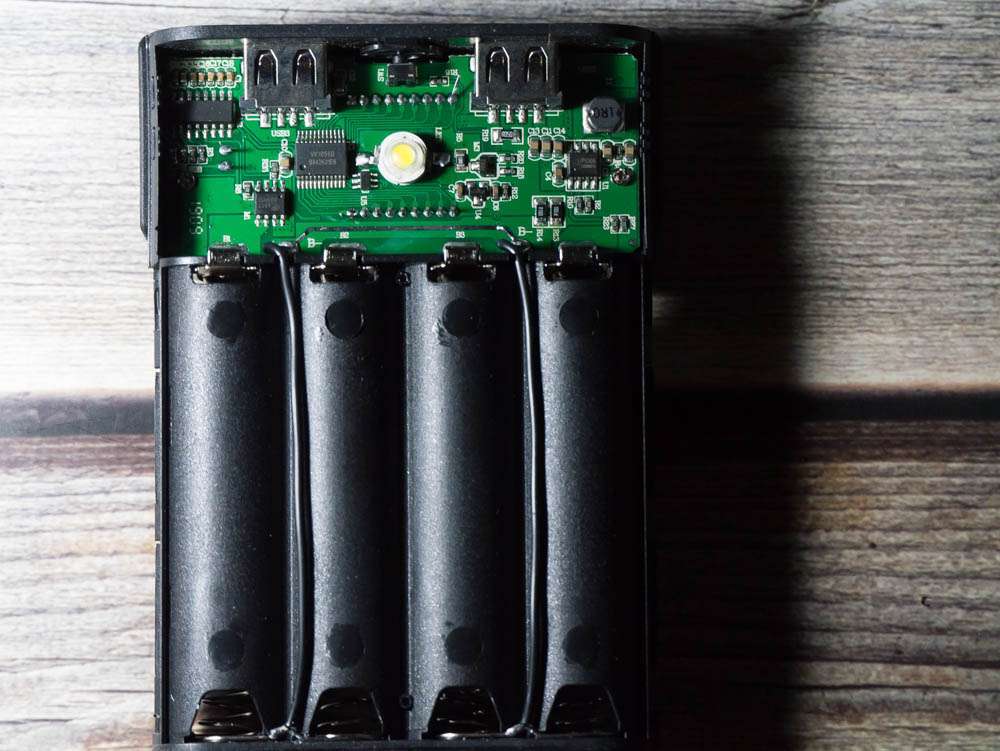
The "heart" of the power bank is the IP5306 chip from Injoinic Technology Co.,Ltd (here's a link to the datasheet). The datasheet shows a maximum charging current of 2.1 A and a maximum discharge current of 2.4 A. The chip is very common and inexpensive (about 50 cents), and the conversion efficiency from 5 volts to 4.2 and back is above 90%, which is good. Charging is handled by an unmarked chip. The display is driven by a VK1056B chip from Shenzhen Vinka Electronic. The power section is built on paired AO4807 MOSFETs from Alpha & Omega Semiconductors.
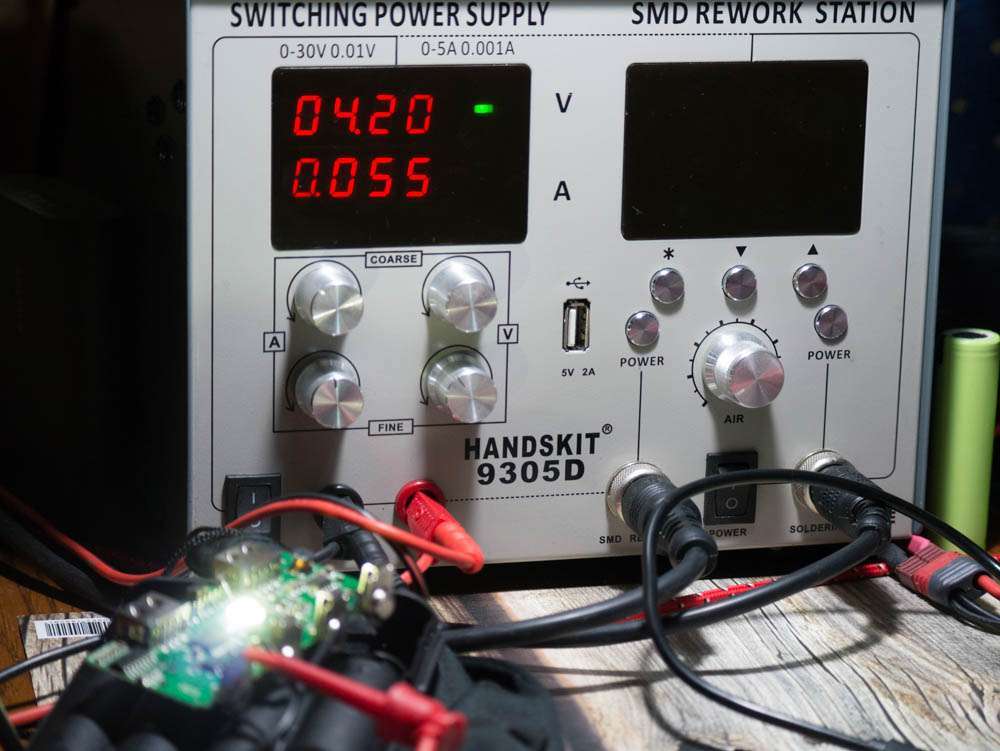
A 0.25 W LED with a current-limiting resistor is soldered onto the board, with no driver. It's switched on and off by a long press of the button on the end of the case. A short press turns on the screen, which switches off automatically after 2 minutes. The button itself was soldered to the board slightly deeper than needed for comfortable use. I stuck a piece of electrical tape on the back, and that fixed it. Considering that the power bank's flashlight is rarely used, this button modification will last for years.
At a battery voltage of 4.20 V the flashlight draws 55 mA, and as the voltage drops, the brightness of the LED (and of the screen backlight) falls linearly. The light is enough for everyday use, roughly like a smartphone flashlight.
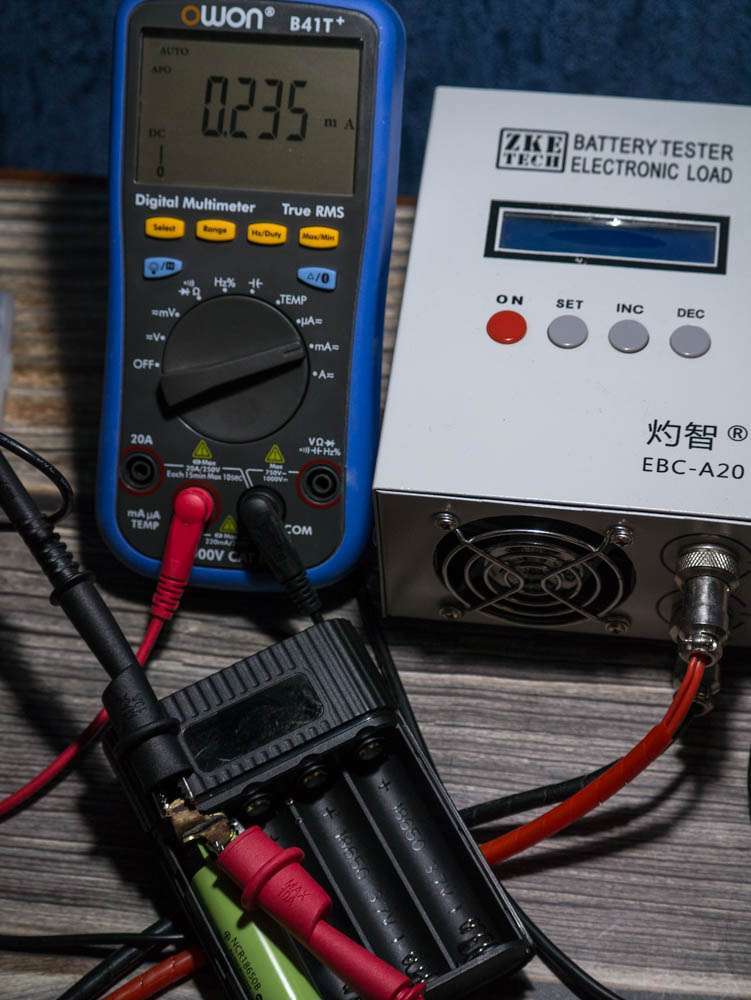
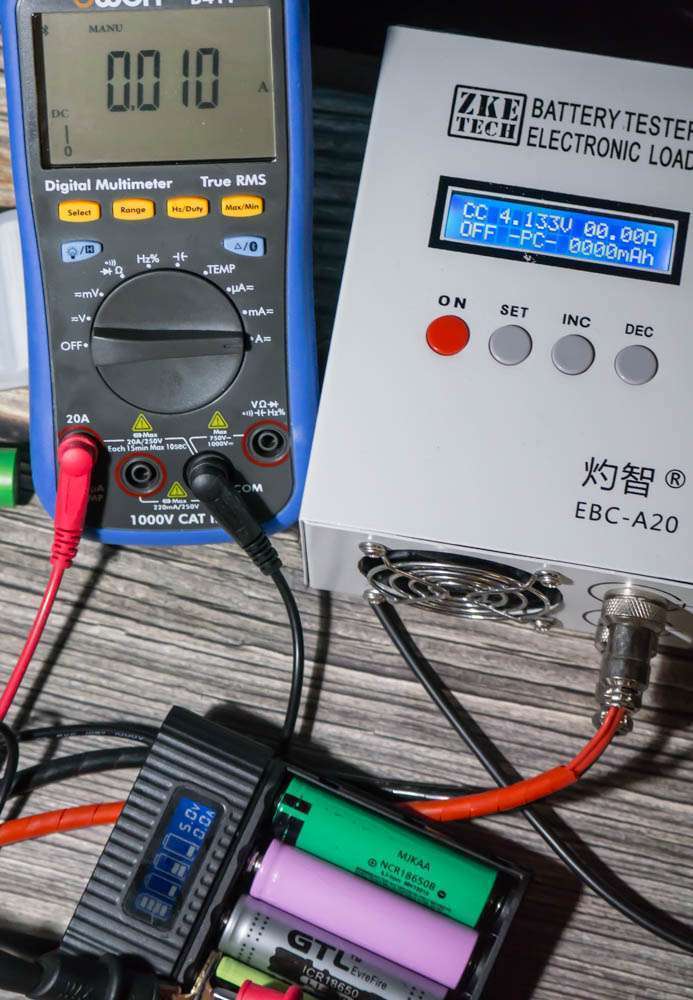
To understand the circuit's logic, I first installed a single battery and measured the parameters. At rest the box draws 0.235 mA, a completely insignificant current that can be ignored in regular use. But over a year the device will discharge the batteries installed inside by 2058 mA, that is, by 20% if there are 4 batteries of 2500 mAh inside, or by 14% if they're 3500 mAh.
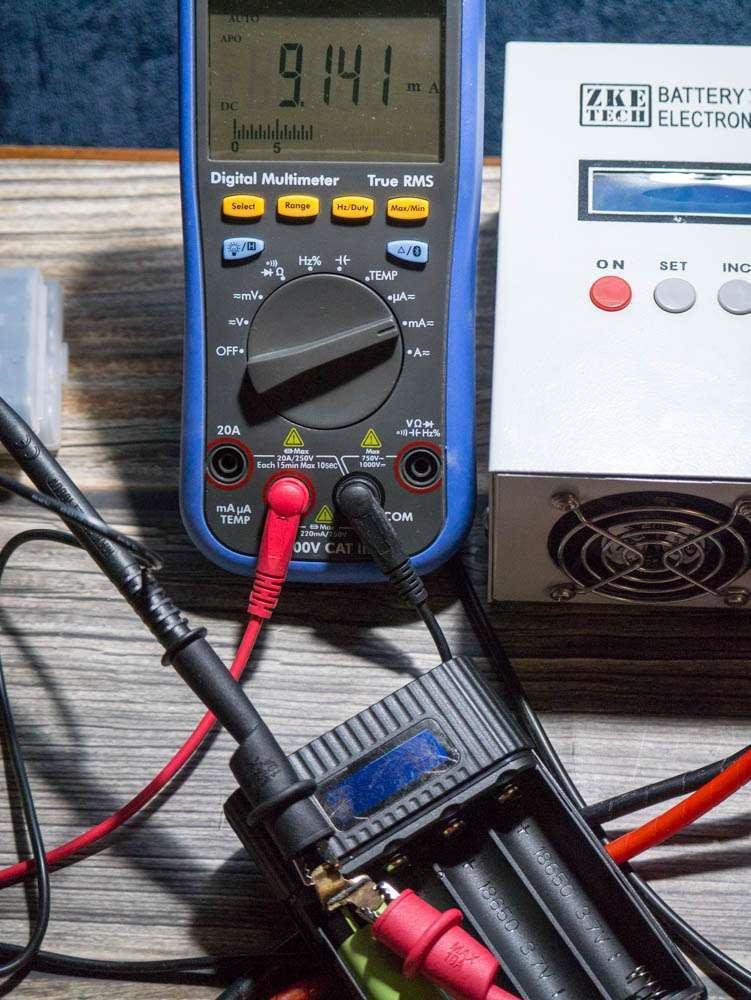
With the screen on, the device draws 9.141 mAh. The screen shows the voltage and current on the USB (in discharge and charge modes). The state of the batteries, their presence in the slots and their polarity are shown with pictogram symbols.
By the way, the screen is the only significant drawback I found during testing. The contrast is poor and the viewing angles are awkward. Digits and other indicators are clearly visible when viewed straight on, up to 70 degrees from above and from both sides, but when viewed from below the information disappears completely. The low-mounted screen and the crookedly glued backlight add to the negatives, with glare from the backlight appearing in the field of view when seen at an angle.
About the charge indicators. The indicators look like a cell divided into four segments, showing five battery states:
If the batteries in the device are below 3.5 volts, you can no longer charge devices that draw high current (more than 1A). However, a 200 mA USB lamp stays lit until the voltage falls to 3.1 V. The IP5603 chip itself supports discharge down to 2.7 volts, so it's apparently a problem with the extra circuitry that provides the four-channel charging.
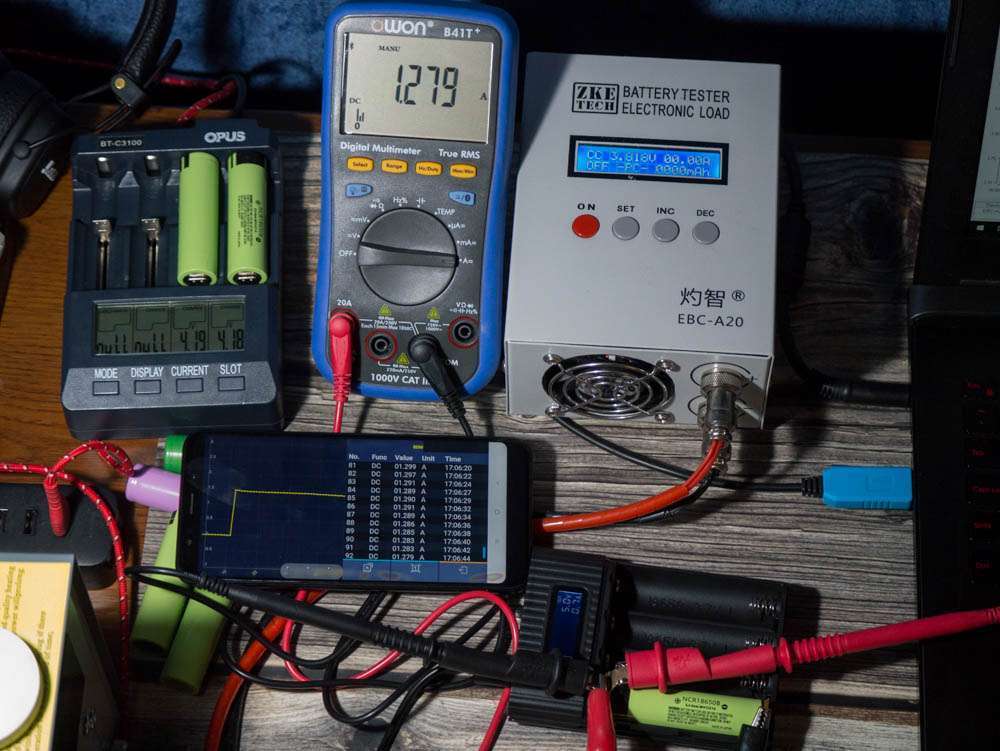
We continue testing with one battery, this time the charging mode. The Opus BT-C3100 got into the photo; it's charging cells for the following stages of testing, so ignore it.
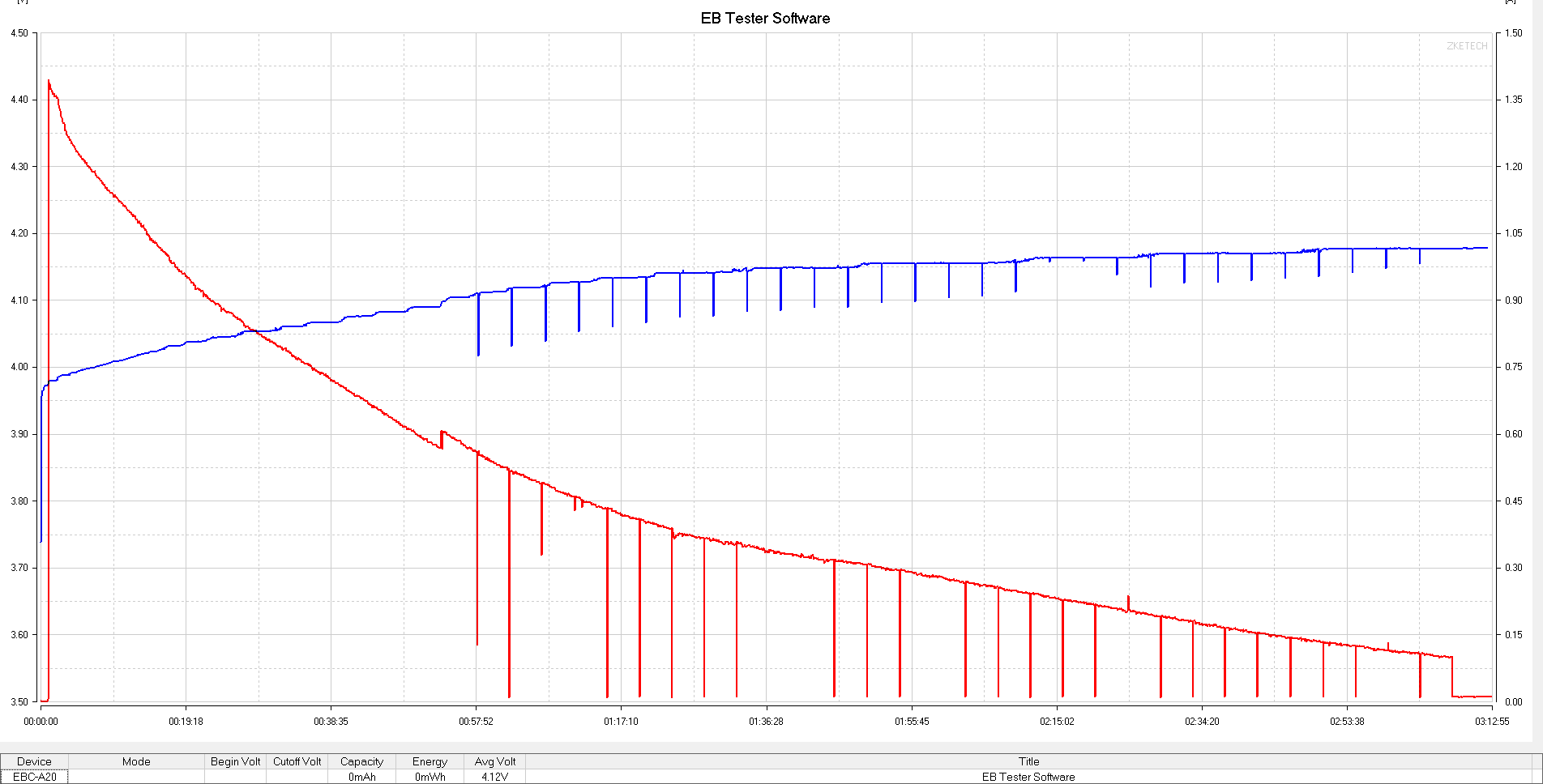
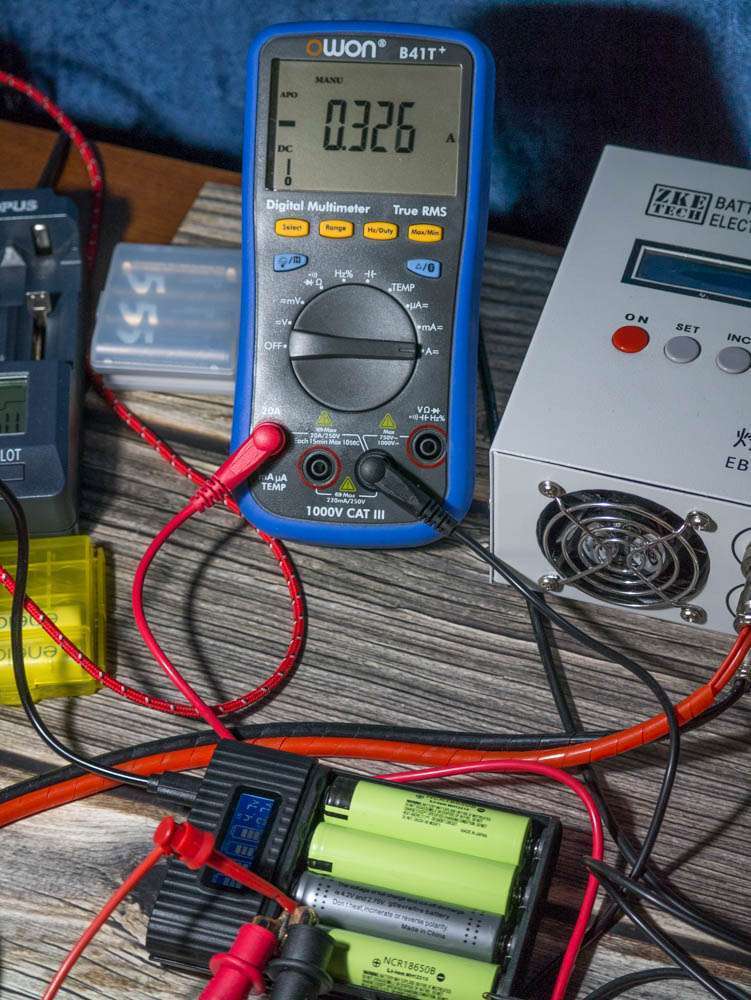
The battery isn't fully discharged. I took the first one that came to hand, and it turned out to be a Liitokala NCR18650B with quite a substantial capacity, above 3000 mAh. Discharging it fully would take too long, so I only discharged it halfway and started charging. At an initial voltage of 3.75 V the charging current was 1.35A. After that the current falls fairly quickly: at 4 volts it's already 1.2 A, and at 4.10 V just 0.6 A. Is that good or bad? Good for battery health, not so good for charging speed.
The current keeps falling to 0.1 A until the voltage reaches 4.185 V. After that charging is cut off. And that's not bad either. Less than one percent of the battery's capacity lies between 4.185 and 4.20 volts, so the average user won't notice, but the batteries will last several times longer.
The result is this graph.
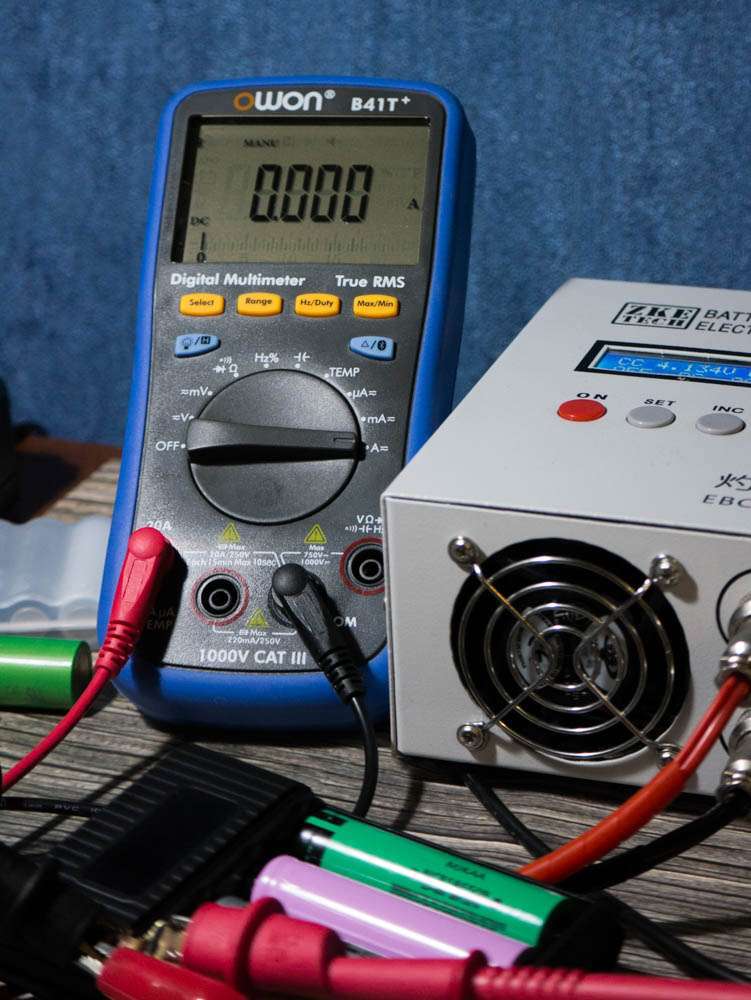
Now let's check how multi-channel charging works. We disconnect the device from power and put three more discharged batteries next to the one we just charged. The device didn't switch on, so no "current transfer" occurs.
We switch the device on with the button. The screen lights up and shows each battery's charge, but only the screen draws current (~10 mA).
If you connect power, the picture changes. The three low cells start charging, while the charged one gives up current until the voltages on the batteries equalize. After equalizing, all the batteries charge together until full.
The maximum charging current (into the batteries) I saw during the experiments was 1.8 amps, 450 mA per cell. Not a lot, but good for a universal device.
Conclusion
The verdict: the device is rough, but it does its job. However, the two-channel XTAR PB2S will charge four batteries faster and uses the batteries more efficiently in power bank mode.
This one has plenty of pluses:
I can't help noting the minuses:
The last one can be seen as a feature; personally I don't care in what order the batteries charge, lithium has no memory effect, so it won't affect the batteries' condition. If the screen had been done properly, I'd recommend the M09. As it is, decide for yourself what matters more: versatility and a low price at the expense of looks, or paying extra for a branded XTAR with better energy efficiency and faster battery charging.
It's clear why it isn't sold under some brand: the attempt to cross a charger with a power bank improved neither the power bank nor the charger. Still, this device has the best power bank function of the four-channel chargers I've come across.


Прокомментируйте: