An action camera on the Ambarella A12S75 for $50
I bought the EKEN Alfawise V50 Pro because I'd wanted an action camera with full 4K video support for a long time. But paying two hundred dollars for a GoPro felt like a real waste.
Fortunately, Chinese engineering genius never sleeps, and three weeks after ordering I'm holding a package with an Eken V50 Pro, built on the modern Ambarella A12S chipset with a Sony IMX 258 sensor, and all this fun for just fifty bucks!
You can buy it on Aliexpress and on Gearbest.
A couple of words about the chip and the sensor.
The Ambarella A12S chipset that powers the EKEN Alfawise V50 Pro action camera handles 4Kp@30, 1920x1080p@120 and 1280x720p@240 frames per second. It's built around a Cortex™-A9 processor at 792 MHz, has 32 KB / 32 KB I/D and 128 KB L2 cache, and can encode video in H.264 codec BP / MP / HP Level 5.1 and MJPEG, all with noise reduction, distortion correction and electronic stabilization on the fly.
The IMX258 sensor, although Samsung and Sony Ericsson used it in their top smartphones in its day, was a couple of years ago, and now it somewhat limits the powerful chipset: the same 30 fps at 4K, but "only" 60 fps at 1920x1080p.
The parcel comes packed in a sturdy polyurethane foam "nesting doll"; I won't show the unpacking process, I'll go straight to the retail packaging:
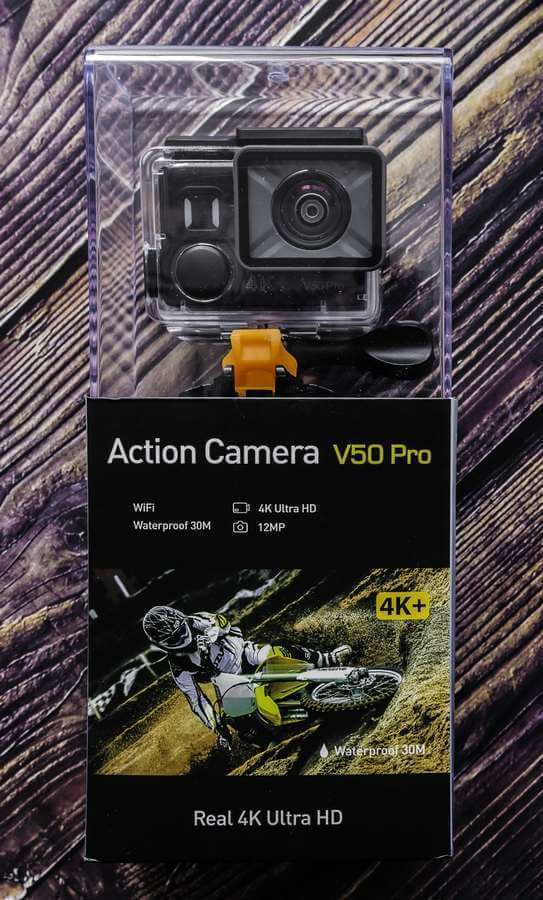
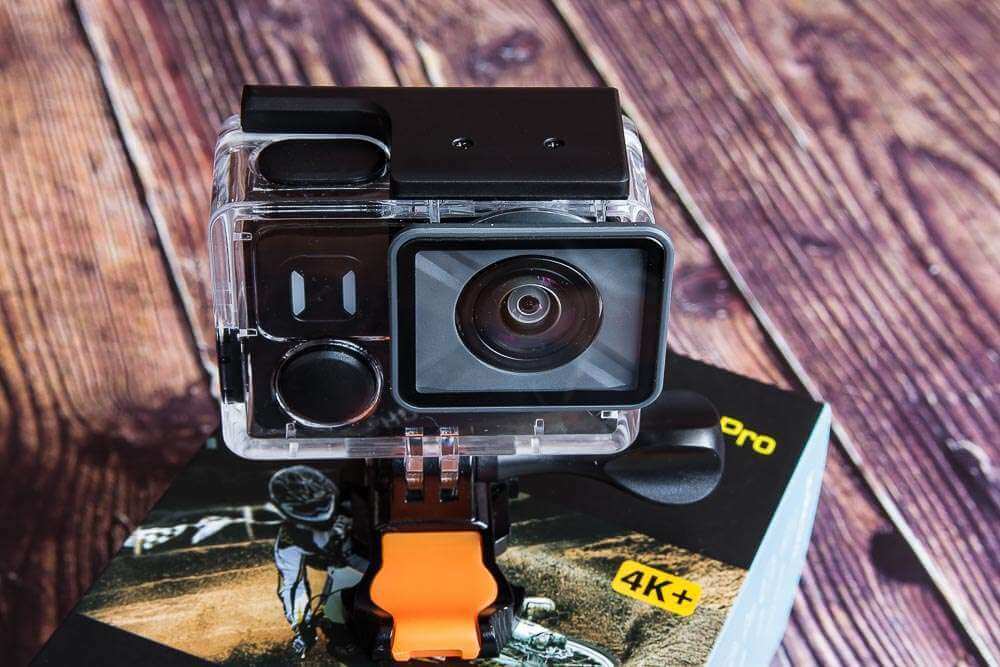
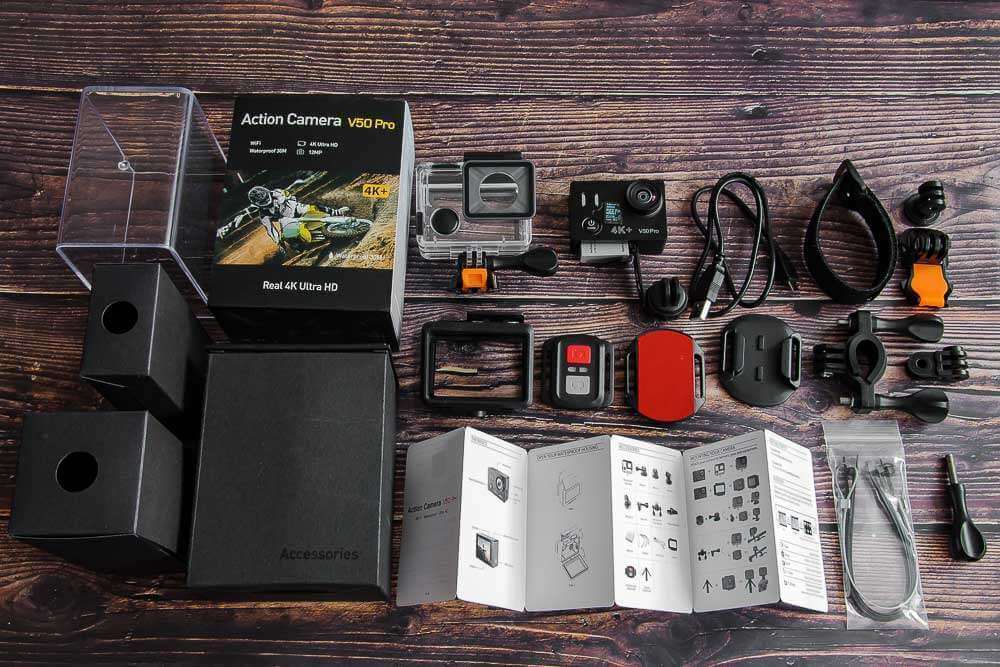
Under a plastic cap in a waterproof case sits the camera, and inside are two small boxes with accessories:
- a short accordion-fold manual in English,
- a USB to micro USB cable,
- a set of clips,
- two adhesive-backed mounts (one curved, for attaching to a helmet),
- a handlebar mount with screw clamps,
- a bag with cable ties and a metal cable,
- another mount with a latch and a silicone safety strap (the first one is on the waterproof case); it has a socket with a ¼-inch thread, so you can mount the camera on a tripod,
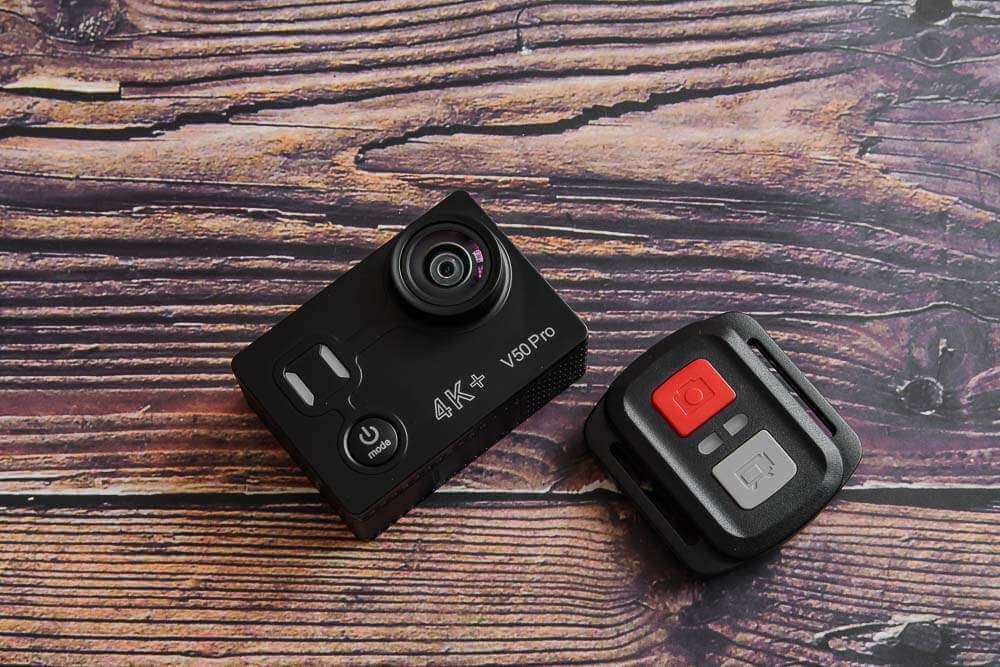
- a remote control for the camera,
- a wristband with Velcro for the remote,
- a frame for mounting the camera (a non-waterproof housing).
Here's all the goodies in one photo:
This is the official kit. For those who like to save, AliExpress sells a "camera only" option; the seller breaks up the set and sells the rest to someone else. Maybe that makes sense if you have a kit left over from a previous camera. But I didn't skimp on 10 dollars and ordered the full kit.
There are also options where the seller adds a tripod, monopod, external charger, second battery, chest or head straps to the main kit. In short, kits for every taste, so pick whichever you like best.
So what can the camera do?
EKEN Alfawise V50 Pro specifications
Video:
- Video resolution: 4K30; 2.7K30; 1080p60; 1080p30; 720p60
- Clip length when recording to the card: 1 minute, 5 minutes
- Loop recording (when space runs out, the oldest clip is erased and a new one is recorded over it)
- Time-lapse video with an interval from 0.5 to 60 seconds and 2.7K resolution
- Landscape / portrait shooting mode (for those afflicted with vertical video syndrome)
Photo:
- Photo resolution: 12 megapixels;
- Burst shooting (photos/sec): 3/1; 7/2; 15/4
- Time-lapse photo: at intervals of 3, 5, 10, 30, 60 seconds
Other:
- Exposure compensation: from -2.0 to +2.0 in 0.3 steps
- Two-inch color display
- Lens viewing angle: 170 degrees
- Micro-HDMI port
- Micro-USB port
- Li-ion battery 3.7 V; 1050 mAh; model: PG1050 (50 minutes of 4K video)
- Multilingual menu
- Works underwater to a depth of 30 meters (in the waterproof case, of course!)
- Wi-Fi: 802.11 b/g/n
- Remote control triggering
- Camera control from the Ez iCam App mobile app
- Dimensions, mm: 59.3x21.4x41.1
A note about the microSD card (not included): the manufacturer strongly recommends branded cards of class U3 and higher, and also recommends formatting beforehand on a computer to FAT32 (for 32 GB cards) or exFAT (64 GB and above). Tests show that some U1 cards work fine too. I can only partly confirm compatibility with 128Gb cards so far: of the batch of 128Gb cards I ordered, only one has arrived, the Lexar 128Gb microSDSC 633x U3. There won't be full tests with it until I collect all the cards I ordered, but the camera sees the card and shows the available recording time: 05:37:59. That's good, and in the meantime I'll test on a smaller card.
How much video of what quality fits on a microSD card:
| microSD card | 4K30 | 2.7K30 | 1080p60 | 1080p30 |
| 32 GB | 80 minutes | 120 minutes | 60 minutes | 120 minutes |
| 64 GB | 160 minutes | 240 minutes | 120 minutes | 240 minutes |
For testing the camera I took a Kingston microSDHC 32 GB Class 10 UHS-I U3 R90/W45 MB/s card with the 4K ULTRA HD pictogram on the packaging.
But enough specifications, let's turn it on already!
Turning on the EKEN Alfawise V50 Pro
We take it out of the waterproof case, and in our hands is a camera the size of two matchboxes! There are three control buttons:
- power (and menu access) on the front;
- start/stop (select a menu item) on top;
- Wi-Fi on/off (exit the menu) on the side.
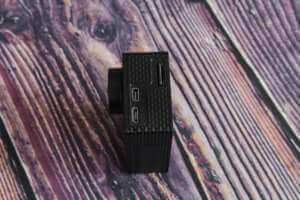
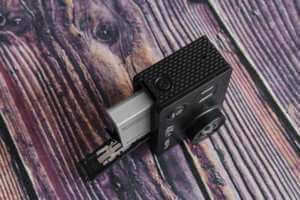
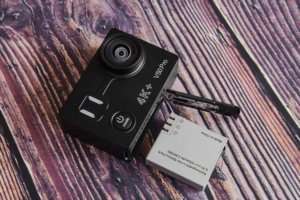
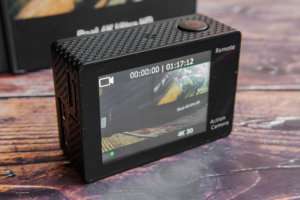
On top is the speaker, on the side above the Wi-Fi button is the microphone (mono), and on the other side panel are the micro-USB and micro-HDMI ports and the microSD slot (the card goes in with its contacts toward the lens). Above the power button are two LEDs: blue for the power on/off and recording signal, and orange for the "processing" signal.


The camera turns on with a long press of the front button and is immediately ready to shoot video. The camera has no automatic recording after power-on, so you can use it as a dashcam, but you'll have to switch it on by hand every time. You enter the camera menu with a short press of the power button, and navigation through the menu items loops in one direction only: the first items switch to burst photo mode, time-lapse video and time-lapse photo, the next two are for viewing the shot videos and photos, and the last item is settings. Rather than retell every menu item, I'm attaching a picture that lists all the items and the possible options. The menu is translated rather clumsily, of course, but you can choose the English version or any other from the list.

Connecting the EKEN Alfawise V50 Pro to a computer
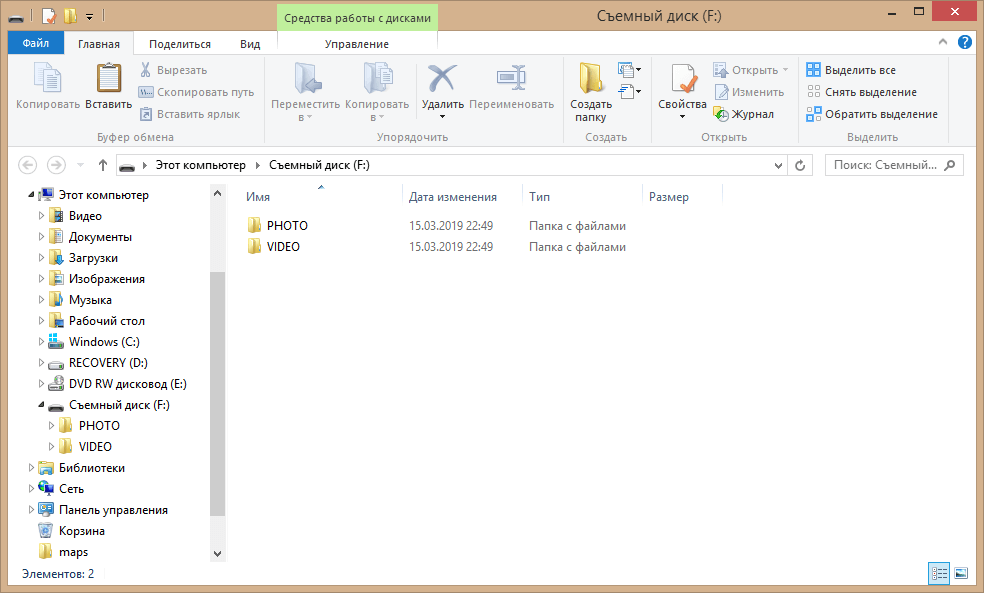
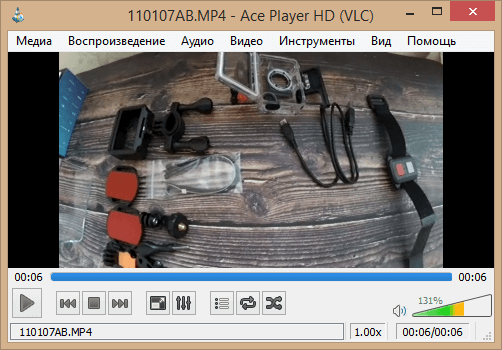
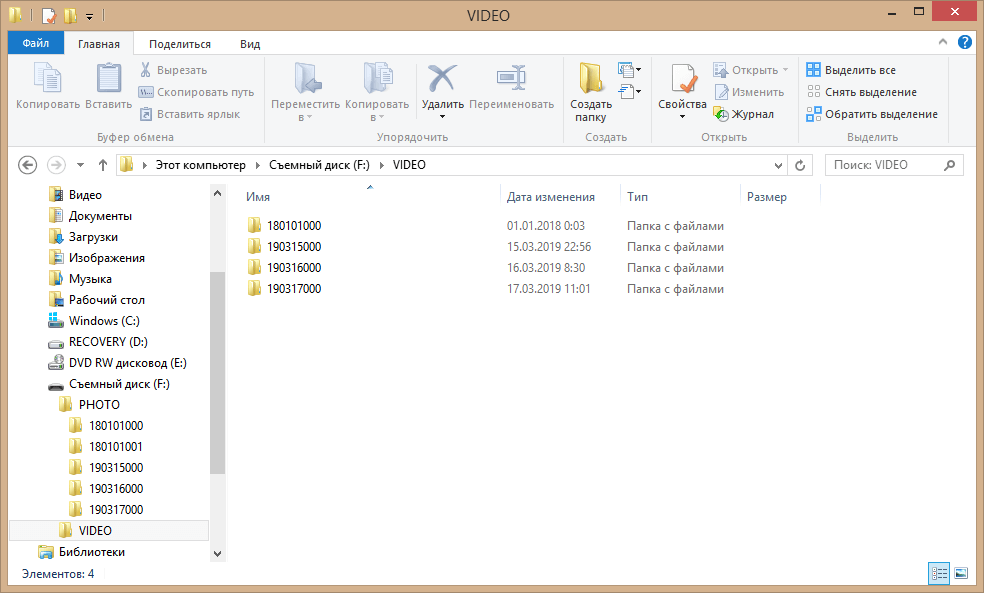
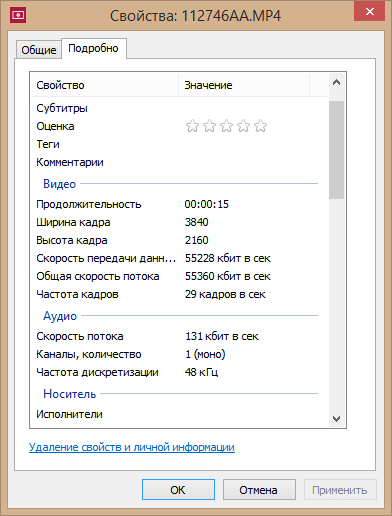
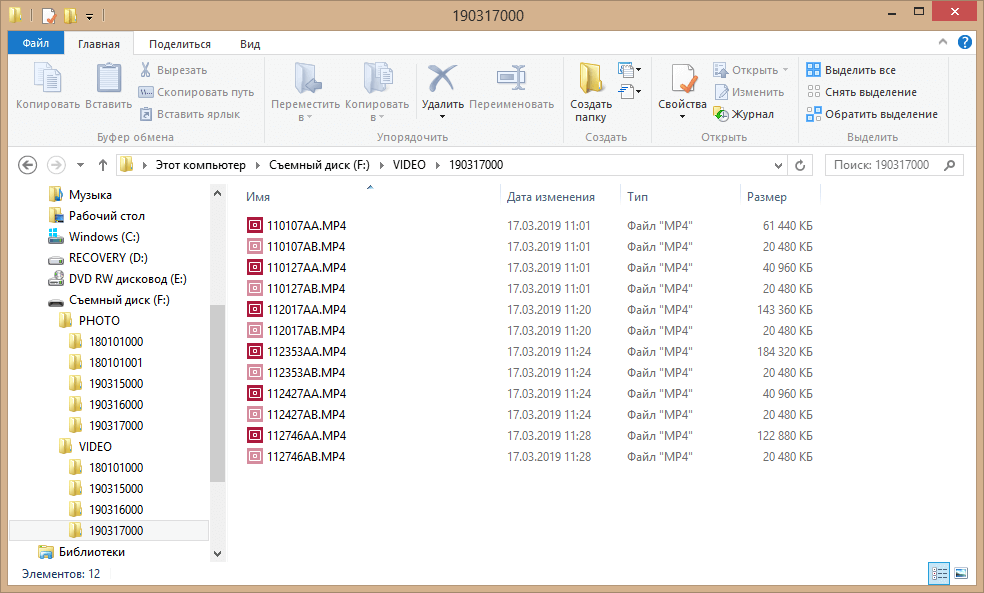
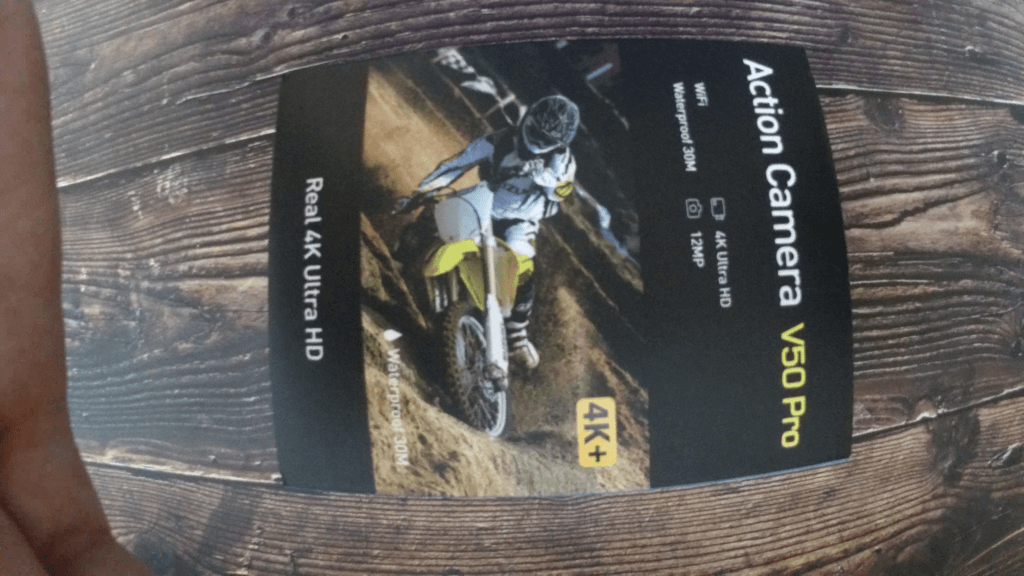
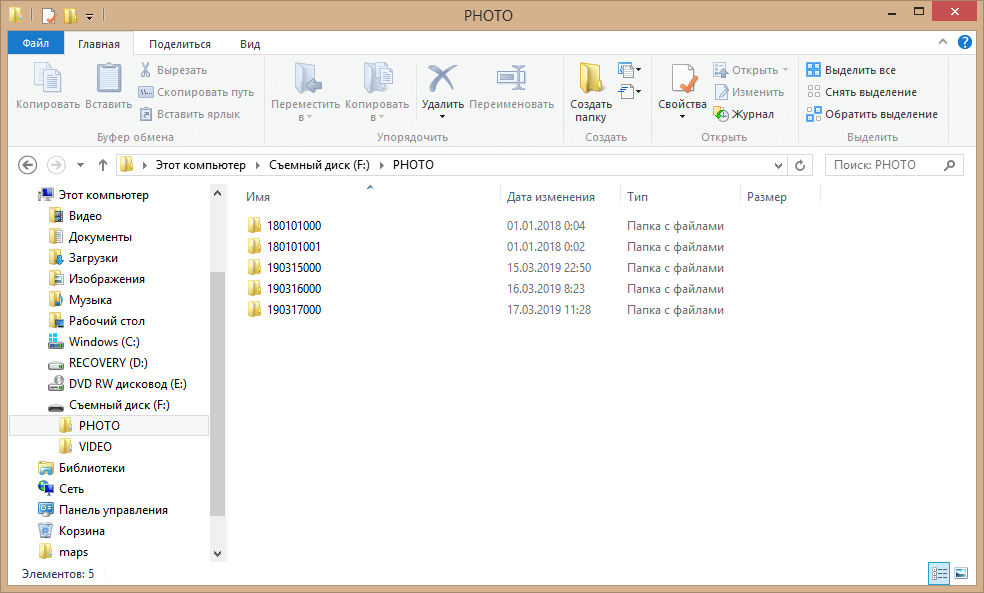
When connected to a computer with a USB cable, the camera shows up as an external drive (with the volume label Action Camera) with the following file structure: PHOTO and VIDEO folders, each with a time-stamped folder holding photo or video files respectively. And as you can see, there are two versions of the video files: the one with the "hidden" attribute is a preview clip (see the player screenshot), and the second is the full-size file; here's a freeze frame of such a clip and its properties window.
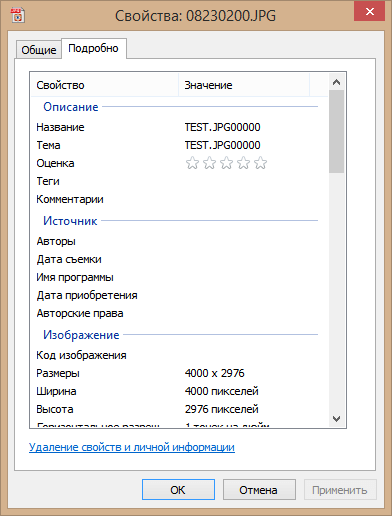
For clarity, I'm also attaching a test shot taken indoors on a not especially bright day and the photo file's properties. I also made several test videos indoors, but there's trouble with them: in insufficient light the sensor is noticeably noisy, so I'm watching the weather forecast very closely, and as soon as there's at least some variable cloud in the sky, I'll head out and shoot videos in every possible resolution. Even a sunset time-lapse.

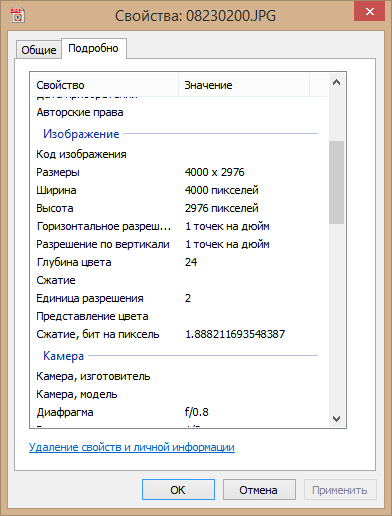
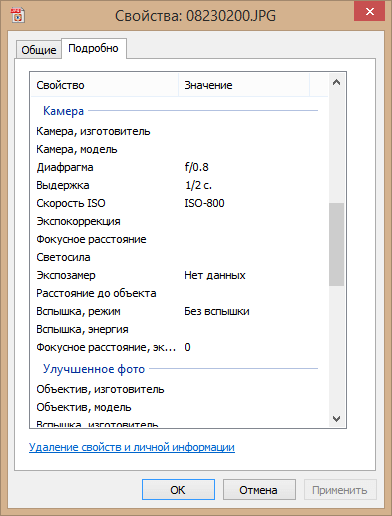
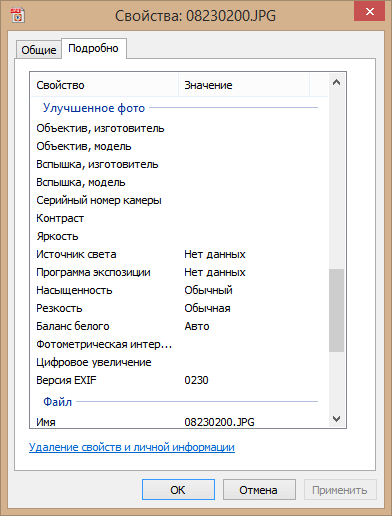
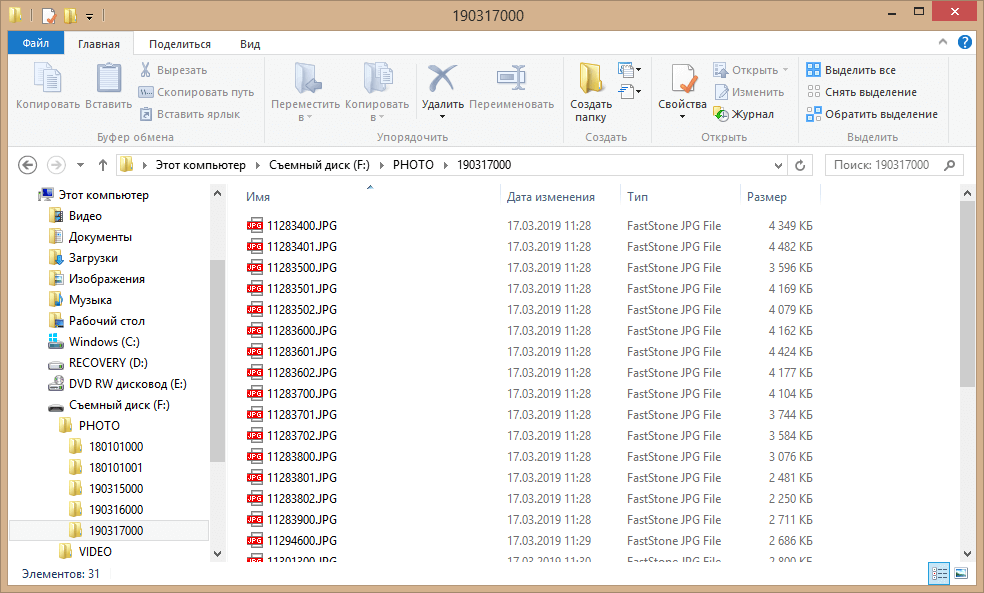
While the camera is connected to a computer, the battery charges at the same time, and the camera warms up. Not so much that it burns your hand, but about forty degrees. I didn't notice such heating when charging from an ordinary smartphone charger. Oh, and when external power is connected, the camera can shoot! So by pairing it with a power bank you can shoot around the clock! But when connected to a computer's USB port, it only provides access to the file system. And heats up, yes. So you can't use it as a webcam.
What else does this camera have (besides the price) that pushed me to buy it?
The EKEN Alfawise remote control
The first option is a remote with two buttons (1 for a burst of photos and 2 for video). Light, compact, runs on a CR2032 battery. The manufacturer says it can trigger up to fifteen cameras. If I had that many, I'd put them in a circle, press "start" and jump like Keanu Reeves in The Matrix, then edit the most epic slow-mo.
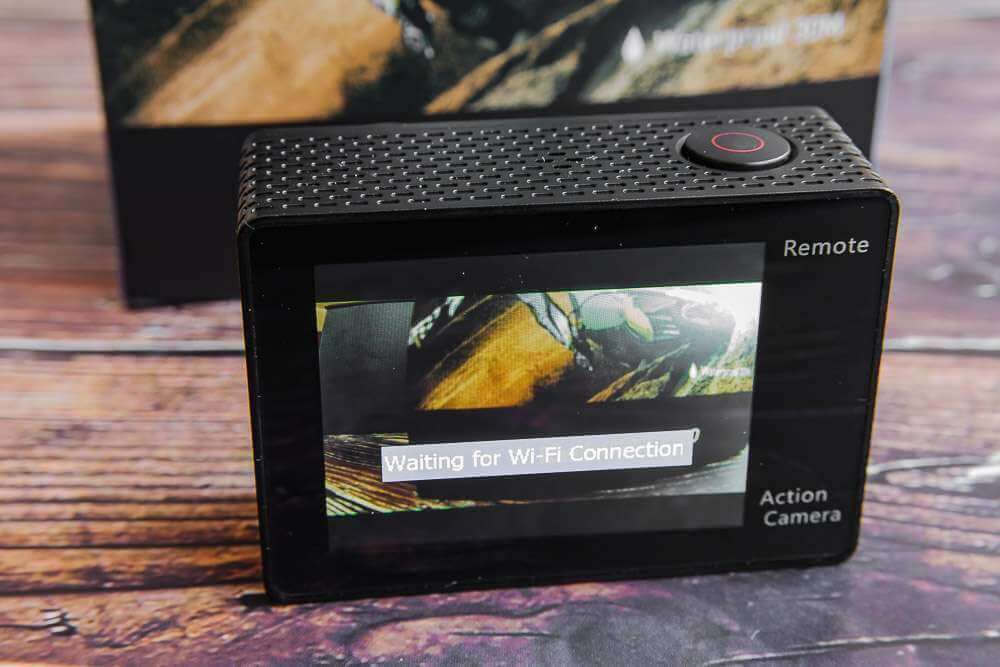
But unfortunately I have only one camera so far, and one is much more fun to control from the Ez iCam mobile app, which is very simple to use: install it, turn on Wi-Fi on the camera, open the app, choose the camera (I chose the one that looked most suitable), connect and that's it. You control the camera, see what it's shooting, set the video resolution, see the battery charge, and browse the shot material, photos and video (the video will be sent to the device without sound, though). It takes longer to describe than to do: download the app and see what it can do.
It looks like the clouds are about to part, so I'm off to shoot in the open air.
Video review and unboxing of the Alfawise EKEN V50 Pro
Alfawise EKEN V50 Pro firmware
Since the developers don't share updated firmware versions very actively, the question arises: where do you get firmware for the EKEN V50 Pro?
On this page there are two firmware versions with different build dates, plus a short, simple guide on how to get the firmware from your own camera (as a reminder, you can find out which version you have under "menu, settings, version"). If you bought this wonder camera and your firmware version differs from those posted on the page, please make a dump and send it to me.
And I'll make sure everyone who wants it can download it.